
Options
netTime distinguishes two types of settings: personal settings, which are stored per user on the computer (appearance, language, windows), and the file options, which apply to everyone who works with that file.
File > Options
The Options page in the File menu contains:
Appearance
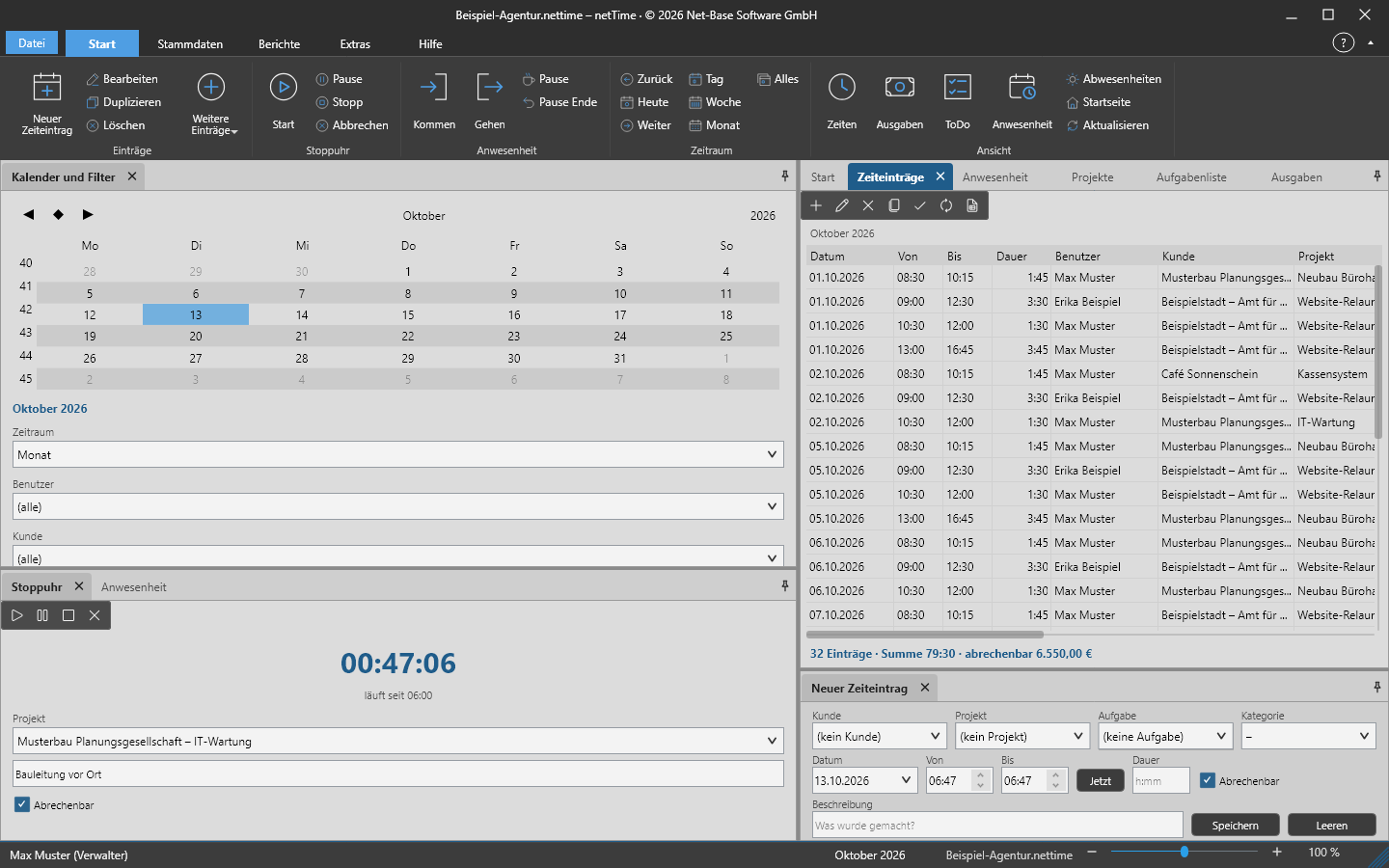
- Automatic (like Windows) or under macOS Automatic (like macOS) – netTime follows the system light/dark setting.
- Light
- Dark
The change takes effect immediately across the entire window, the side panes, lists and dialogs.
Language
System language adopts the operating system language; additionally German and English are available. After selecting, netTime asks The language will be applied after restarting netTime. Restart now? If you decline, the new language takes effect on the next start.
Other settings
- Confirm on exit – shows the prompt Do you really want to exit netTime? when closing; from there you can disable it with Don’t ask again.
- Open last file on startup – opens the last used file on startup.
- File options … – see below.
- Change my password … – see Users and roles.
- Reset window layout – restores all side panes to their default positions (also Tools > Options > Reset windows).
File options
File > Options > File options … or Tools > Options > File options opens the File options dialog. Only an Administrator may change it; other roles receive Only an administrator may change the file options.
Time entries
| Option | Meaning | Default |
|---|---|---|
| Duration changed manually | Not allowed, Change duration only, Adjust start, Adjust end – what happens to From/To when a duration is entered in the editor; see Book times | Adjust end |
| Prevent overlapping times | Rejects entries that overlap with other entries of the same user | on |
| New entry is billable | Default state of the Billable checkbox in the input area, in the editor and in the stopwatch | on |
| Show hours in decimal (7.50 instead of 7:30) | Display of duration, actual, target and balance in lists and CSV | off |
| Currency symbol | Character appended to amounts in lists and reports | € |
| Show completed tasks | Continue showing completed entries of the task list | off |
Stopwatch
| Option | Meaning | Default |
|---|---|---|
| Ask for description when stopping | Prompts for a description when stopping if the field is empty | enabled |
| Reminder after minutes (0 = never) | Time limit; a reminder appears when reached | 0 |
Reports
| Option | Meaning | Default |
|---|---|---|
| Report title | Name of the reports | netTime |
| Company / header | Text on the right in the header of each report page | empty |
| Footer | Text on the left in the footer; empty = netTime · printed on <Date> | empty |
| Count non-billable times in totals | Total hours for the time-entry list, with or without non-billable entries | enabled |
The file options are saved in the .nettime file and therefore apply on every computer that opens the file.
What netTime remembers per user
Personal settings are stored in:
| System | File |
|---|---|
| Windows | %APPDATA%\Net-Base\netTime\settings.json |
| Linux, macOS | ~/.config/Net-Base/netTime/settings.json |
Among other things, the following are stored: theme and language, position and size of the window and whether it was maximized, the arrangement of side panes and whether the ribbon is collapsed, display scaling, the most recently opened files (up to ten), the last-used file, and the position and size of the help window. If the stored window position is no longer on any available screen, netTime uses the default position.
Using the startup parameter --config=<Ordner>, netTime uses a different settings folder; --sprache=<Kürzel> and --theme=system|hell|dunkel override language and theme for a startup.
Your working times are never stored in settings.json, only the paths of the most recently opened files.