
Master data
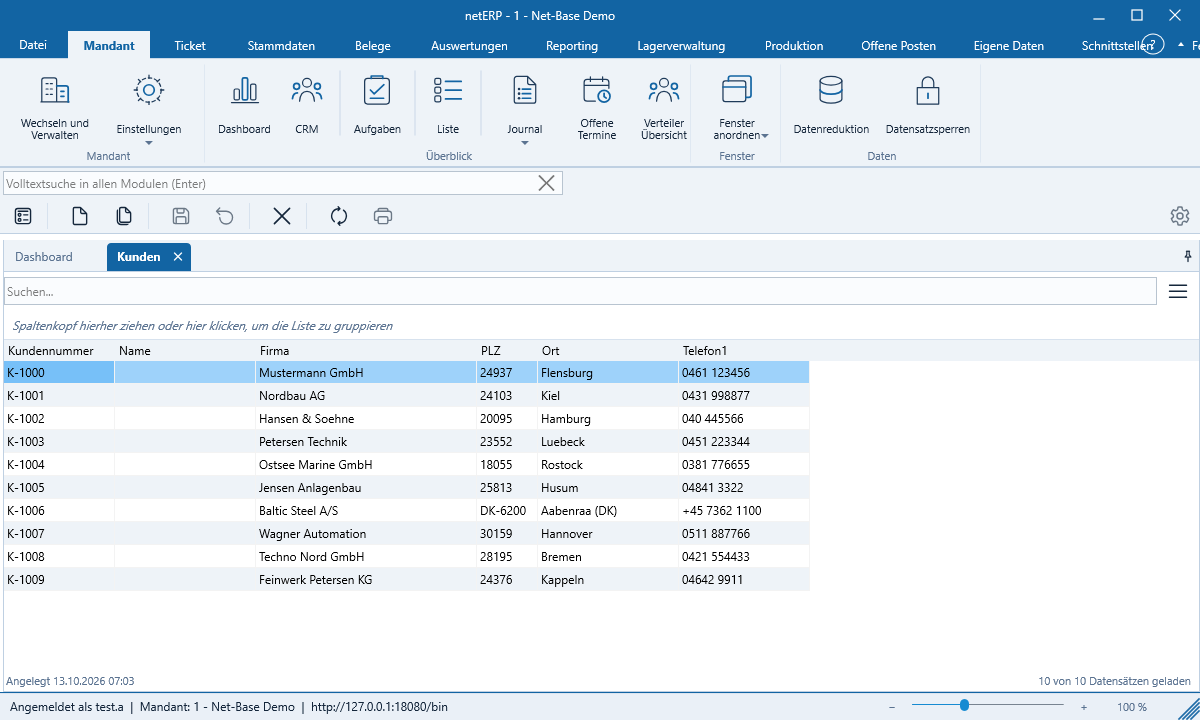
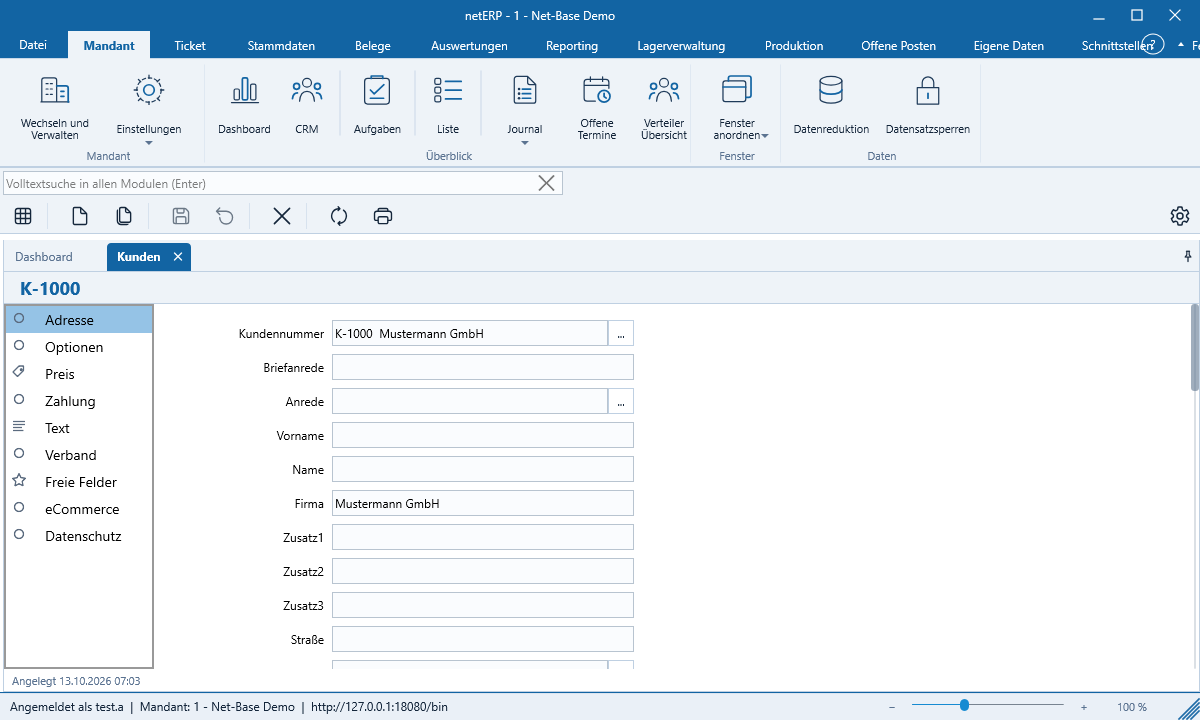
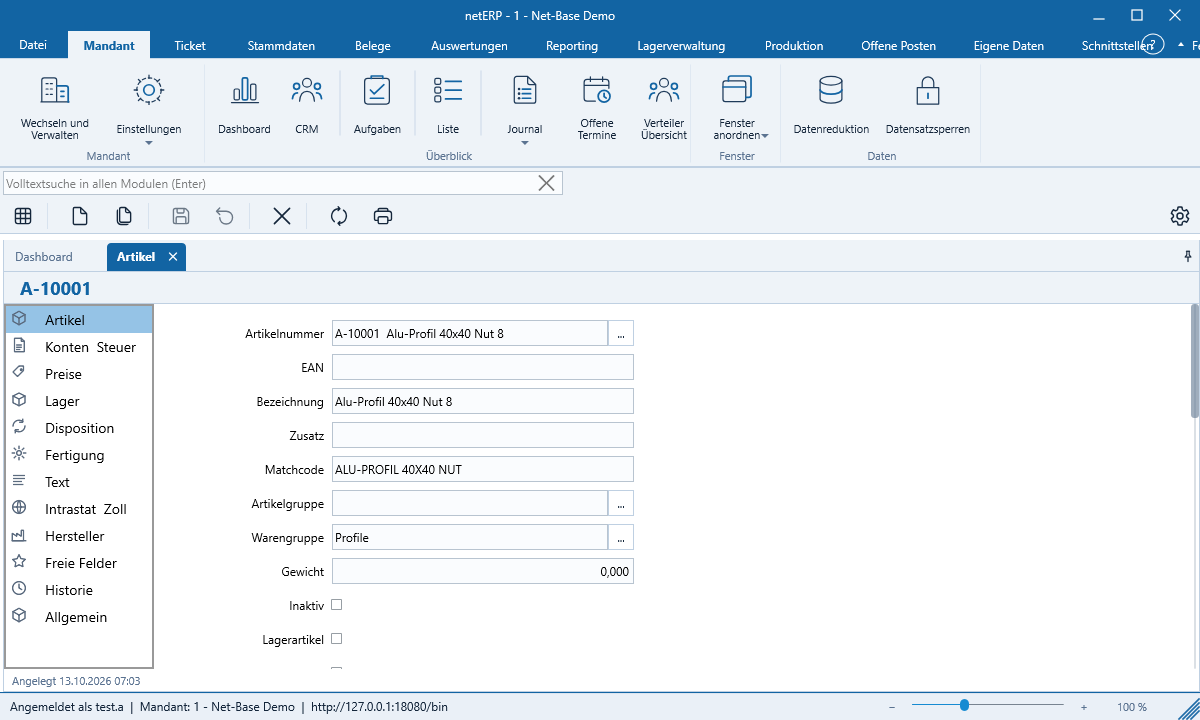
Customers, suppliers, prospects and items with contact and delivery addresses, prices, inventory and per-document-type history – the data model is based on SelectLine.
netERP connects master data, documents, tickets, service contracts and customer contacts in a native application with a familiar Office-style UI. Multi-tenant, with full-text search, custom forms and automatic updates – the server runs as a Linux service in your network.
The public beta is free. Access credentials for the beta server are available on request. netERP is actively under development; forms and modules may still change before the stable release.
Everything in one place
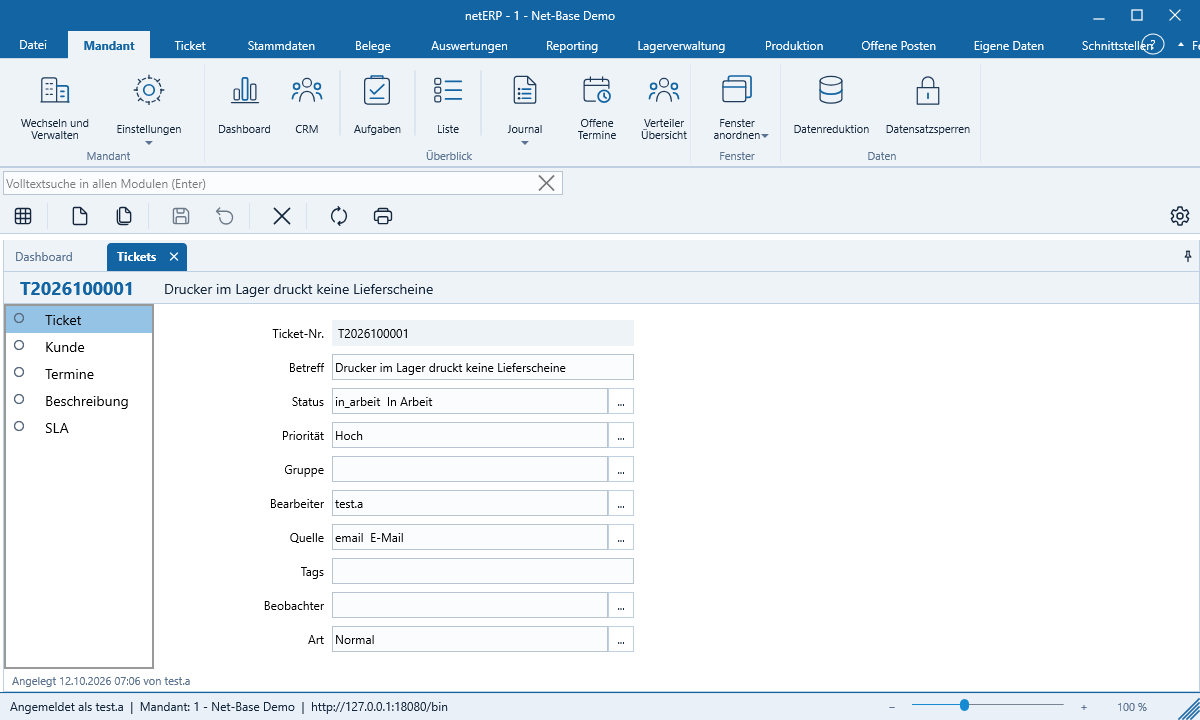
netERP combines company data and customer contact in a single application: tickets are created directly from e‑mails, documents and master data sit alongside, and every form can be adapted to your workflows. The interface is available in German, English, French and Spanish.
Customers, suppliers, prospects and items with contact and delivery addresses, prices, inventory and per-document-type history – the data model is based on SelectLine.
Quotes, orders, delivery notes, invoices, credit notes and purchase documents with line items, bills of materials of arbitrary depth, totals and taxes. Print and PDF in German and English.
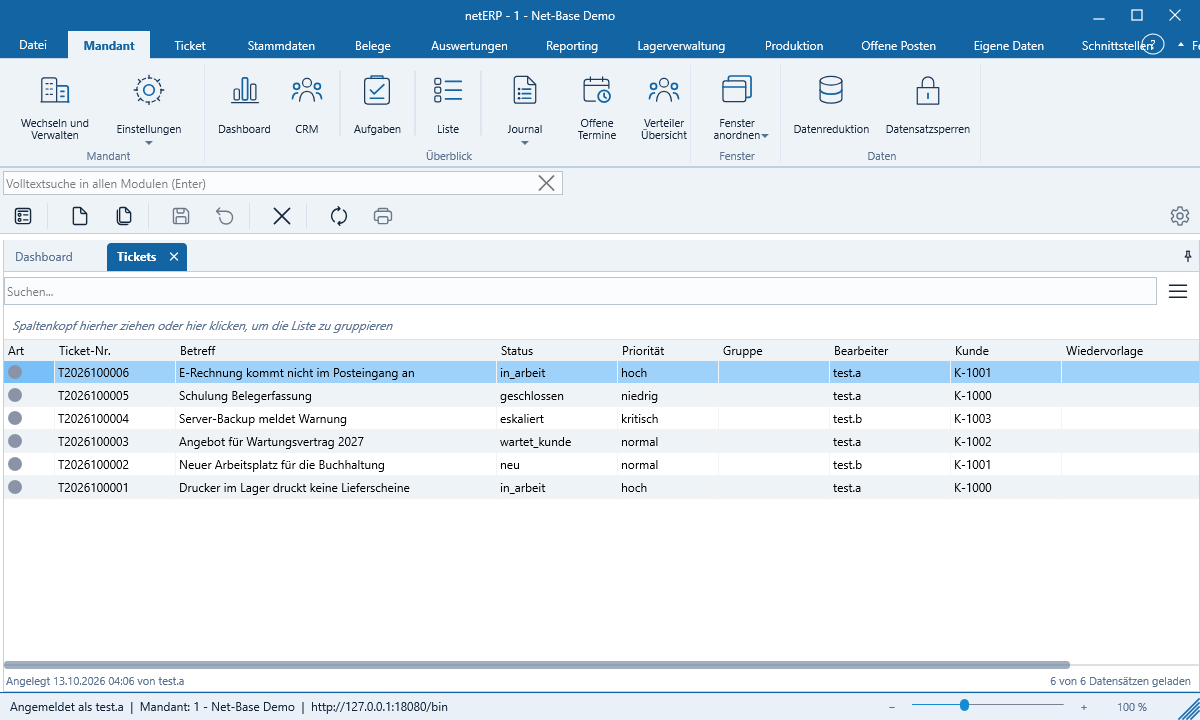
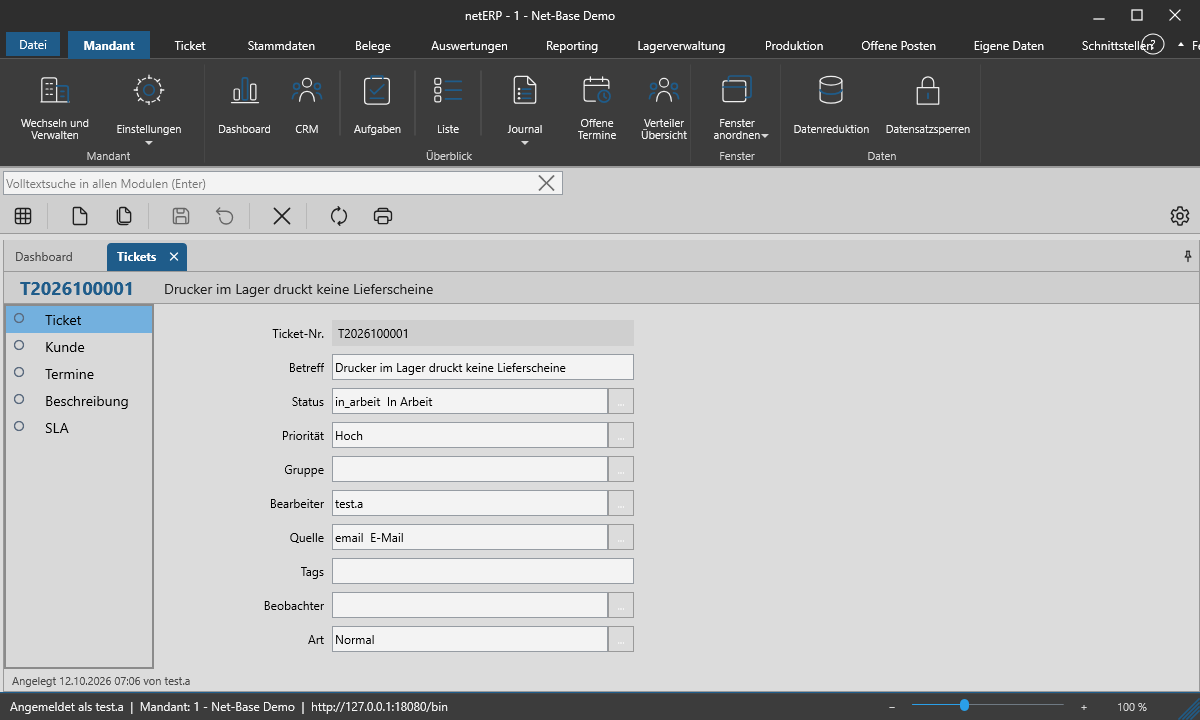
IMAP mailboxes are retrieved, emails become tickets. Groups, statuses, priorities, deadlines, email templates and sending via a relay server per group.
Service contracts from templates with SLA items and line items. netERP automatically creates due tickets and tasks and displays services and quota.
Partner record with activities, sales opportunities, campaigns and GDPR data in a dedicated window – ideal on a second screen. Emails are automatically assigned to partners.
Full-text search across all modules, column selection and sorting per user, grouping as a tree and fast incremental loading even with large data volumes.
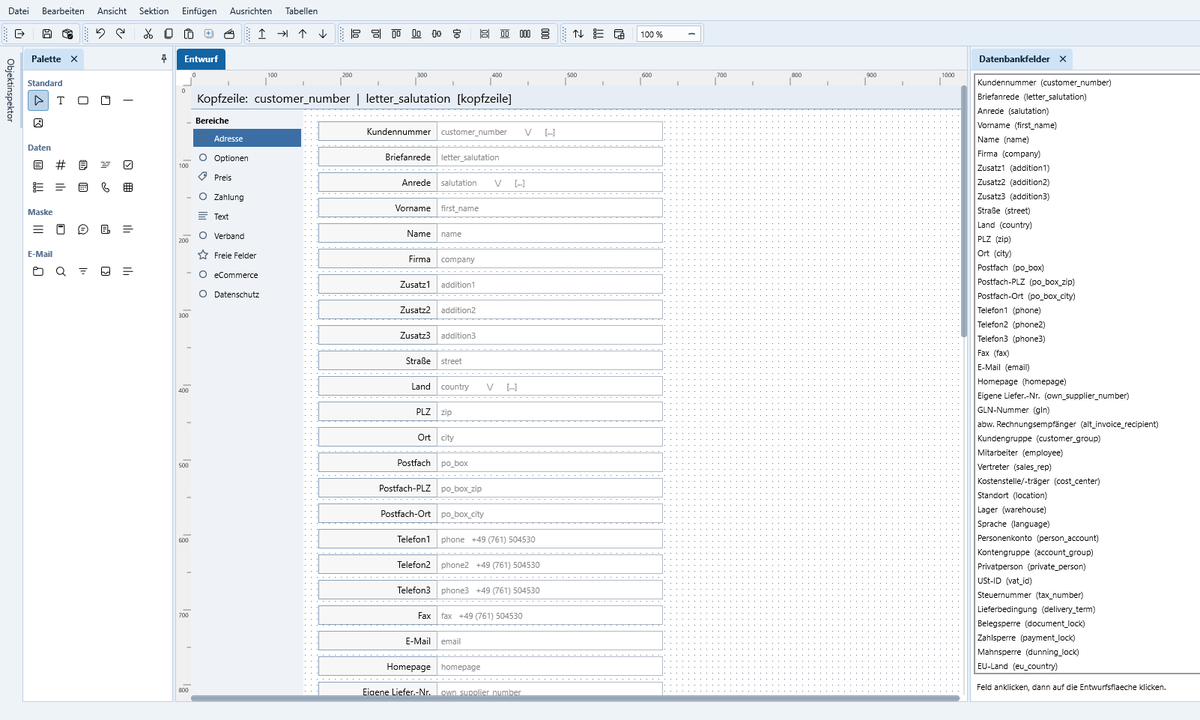
Design forms in Delphi style, create tabs and containers, assign events in the object inspector with a Pascal script. Reports and documents in the report designer.
Tenants, roles and permissions, authentication via Active Directory or Single Sign-On, Admin Center in the browser, job service, record locking and signed updates.
Customer service without switching media
Requests arrive by email, phone or from a service contract. netERP converts them into tickets, assigns them to customers and contracts and keeps the entire history together – the services end up directly on the document.
Your forms, your processes
The built-in form designer works like a development environment: palette, object inspector with padding and margins for all four sides, object tree and freely dockable windows. Changes take effect immediately for all users of the tenant.
Architecture
Data is stored on a netERP server in your network. The client connects using encryption and verifies the server’s certificate.
Actual screenshots
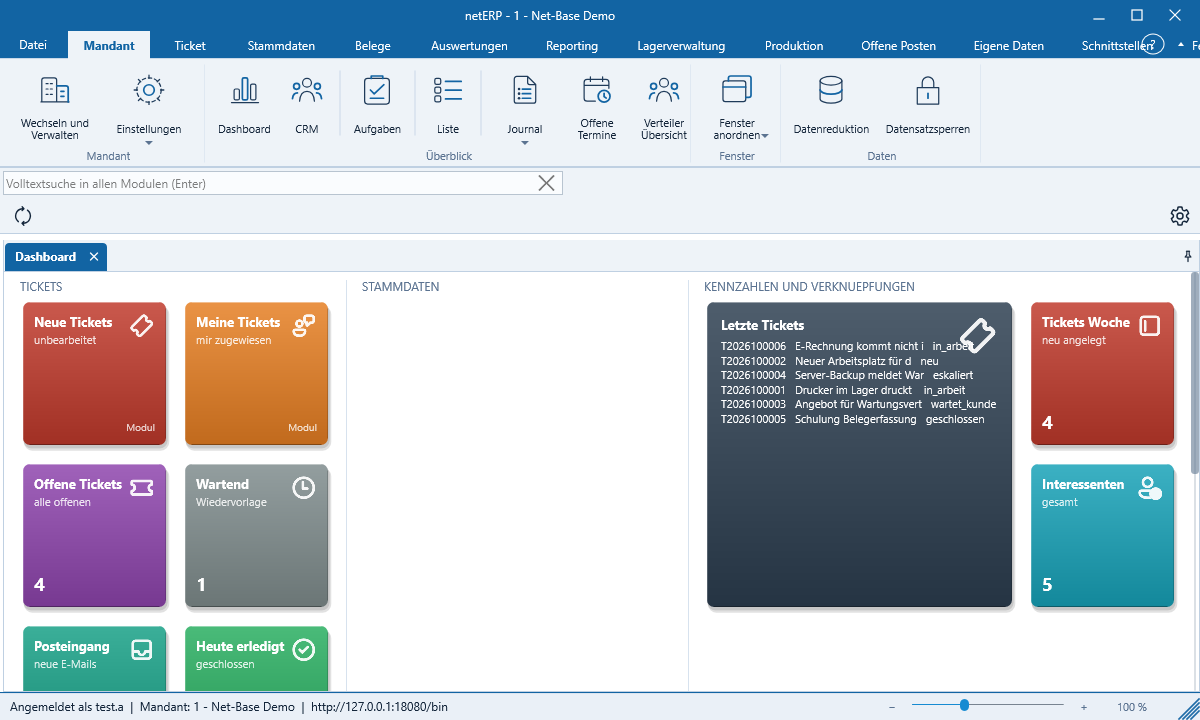
All images are from the current netERP version and were captured automatically on the test machines. Companies, people and tickets are fictitious sample data.
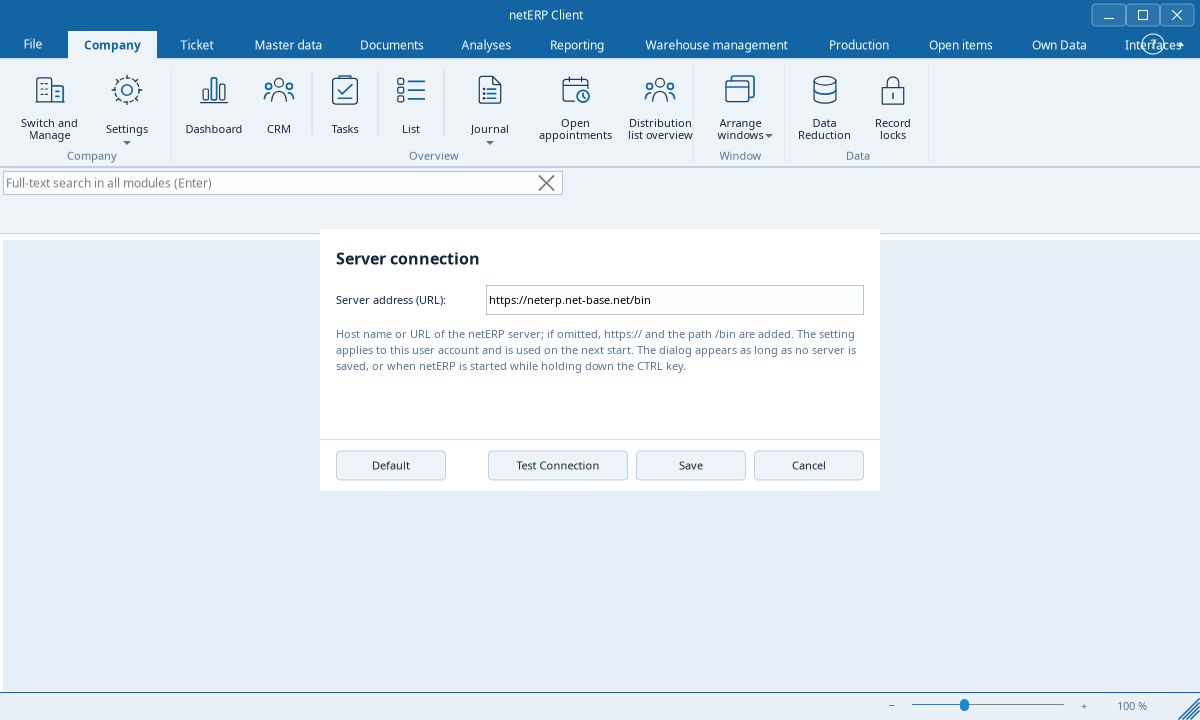
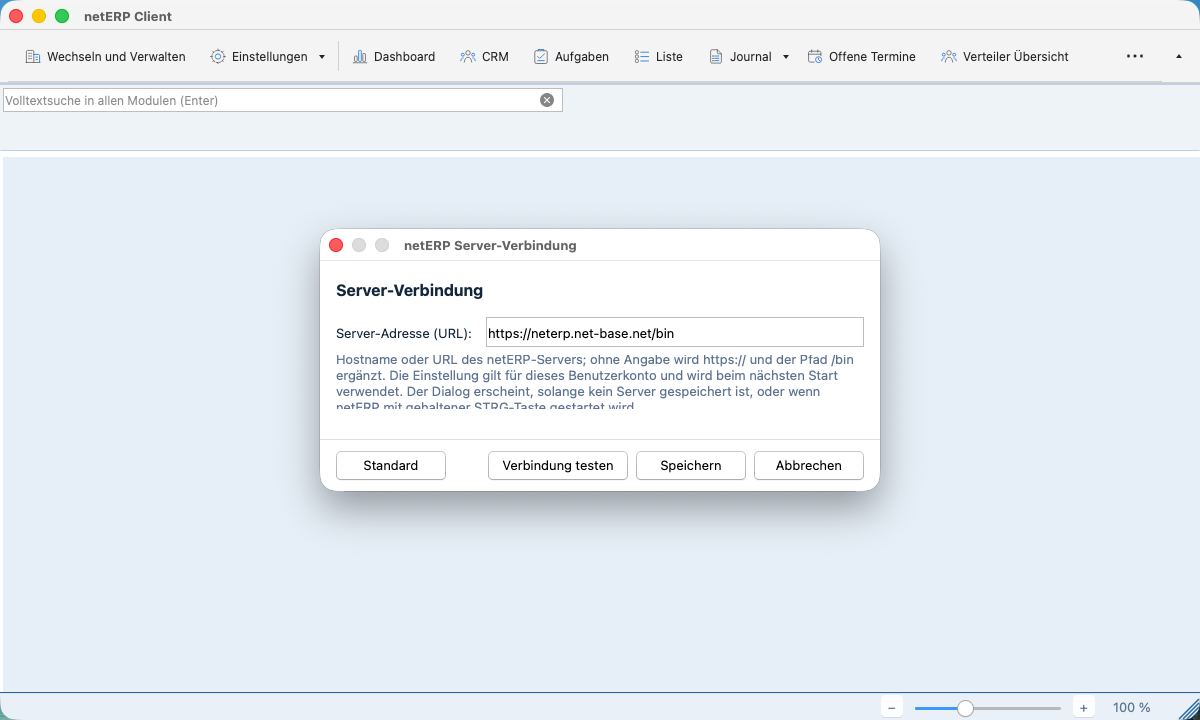
Beta testing
The Public Beta is free. For the test the client connects to the beta server of Net-Base.
Download the signed setup for Windows, the package for Linux or the notarized DMG for macOS and install the client.
Write to us via the contact form. You will receive a username and password for the beta server; within your company you will later sign in via Active Directory or Single Sign-on.
netERP opens the dashboard. On Windows the client installs updates itself on request; on Linux and macOS it directs you to the download page.
Frequently Asked Questions
netERP is an enterprise software product from the Net-Base Software GmbH for master data, documents, tickets, service contracts and customer contacts. The client is a native application with a ribbon like in Office; the data are stored centrally on a netERP server in your network.
The Public Beta is free. Licensing and operational models for productive use will be presented with the stable release – feel free to contact us in advance.
Yes. netERP operates with a central server: a Linux service with MariaDB, full-text search via OpenSearch and an admin center in the browser. For the Public Beta the client connects to the beta server operated by Net-Base; access credentials are available on request. We provide the server package on request for your own installations.
The netERP client is available for Windows 10 and 11 (64 and 32 bit) as a signed setup, for Linux 64 bit as DEB, RPM and TAR.GZ packages and for macOS on Macs with Apple silicon as a DMG notarized by Apple. Telephony integration via TAPI is available only on Windows.
netERP polls IMAP mailboxes regularly. New emails create tickets with group, status, priority and deadlines; replies containing the ticket number in the subject are automatically associated with the ticket. The complete history with emails, calls and notes remains visible on the ticket.
Yes. Every form can be modified in the built-in form designer – with palette, object inspector and object tree like in Delphi. With the form script you validate or supplement input when opening, saving or moving between fields. Documents and reports are designed in the report designer.
No. netERP never deletes records physically; it marks them as deleted. Document numbers, ticket numbers and other identifiers are assigned by netERP only when saving – if you cancel a new entry, no number is lost. Concurrent editing is prevented by record locking.
netERP’s data model is based on SelectLine. Master data, documents and tenants can be imported; we will set up the import together with you during the beta.
Public Beta 0.3.0.38 · free
The download links always provide the currently released beta for the selected platform, without registration. To sign in to the beta server you need access credentials; these are available on request.
Linux und macOS: On Linux you install the DEB or RPM package via the package manager; the TAR.GZ archive contains install.sh. On macOS you drag netERP out of the DMG into the „Applications“ folder. The client notifies about new versions at startup and opens the download page.
The Windows installers carry the Authenticode signature of Net-Base Software GmbH with a timestamp; the macOS DMG is signed with a Developer ID and notarized by Apple. Before publication, each version is installed, started and subjected to a final test of all public functions on the test machines for Windows, Ubuntu, CentOS and macOS.