Reading, Searching and Printing PDFs
netPDF renders even large documents smoothly. This lets you find your way around quickly.
Page navigation and jumping
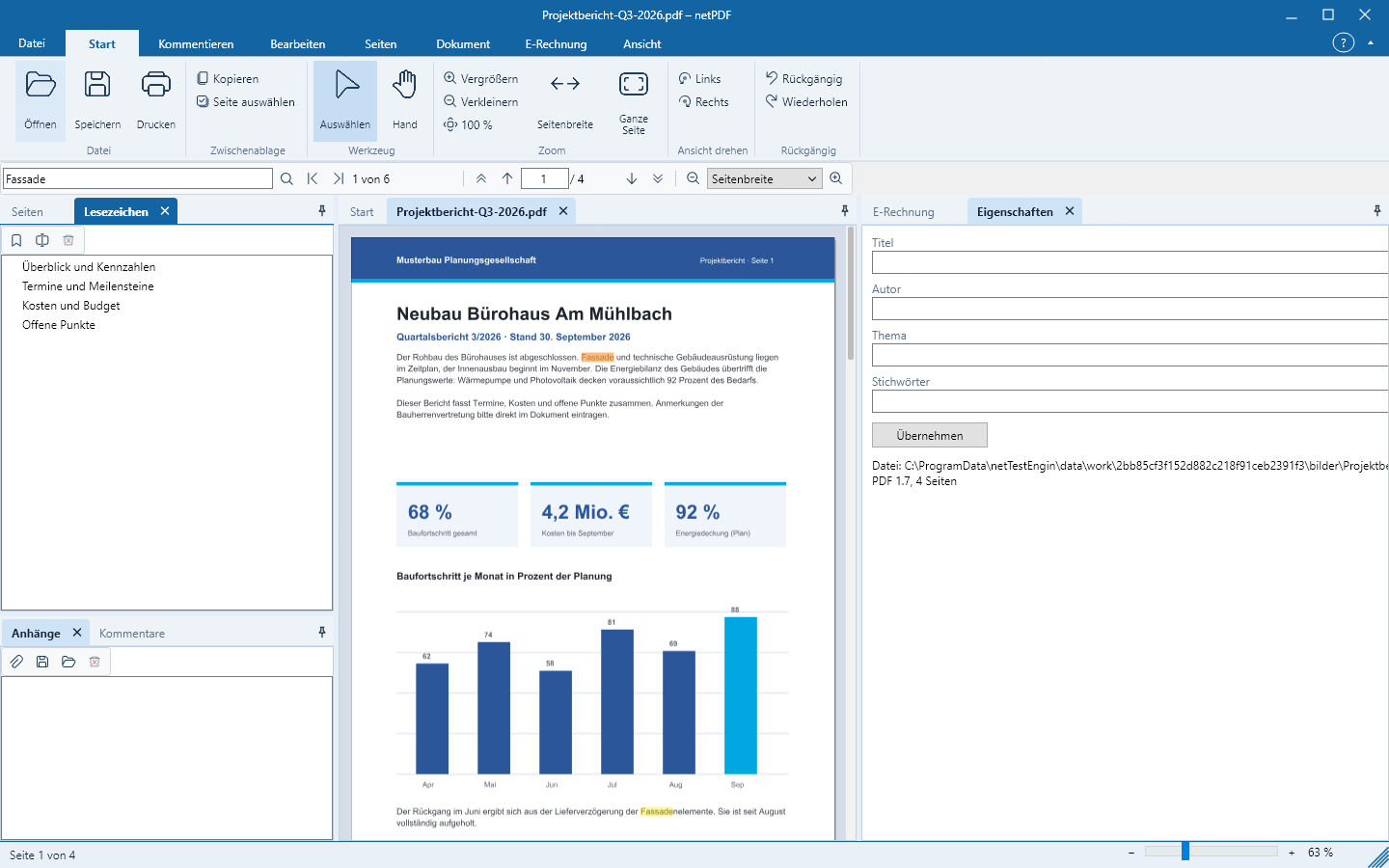
Scroll with the mouse wheel or use the arrows in the bar below the ribbon: first, previous, next and last page. You can type a page number into the page field and jump to it with the Enter key. Clicking a thumbnail or a bookmark takes you directly to that location; links within the document work as well.
Zoom
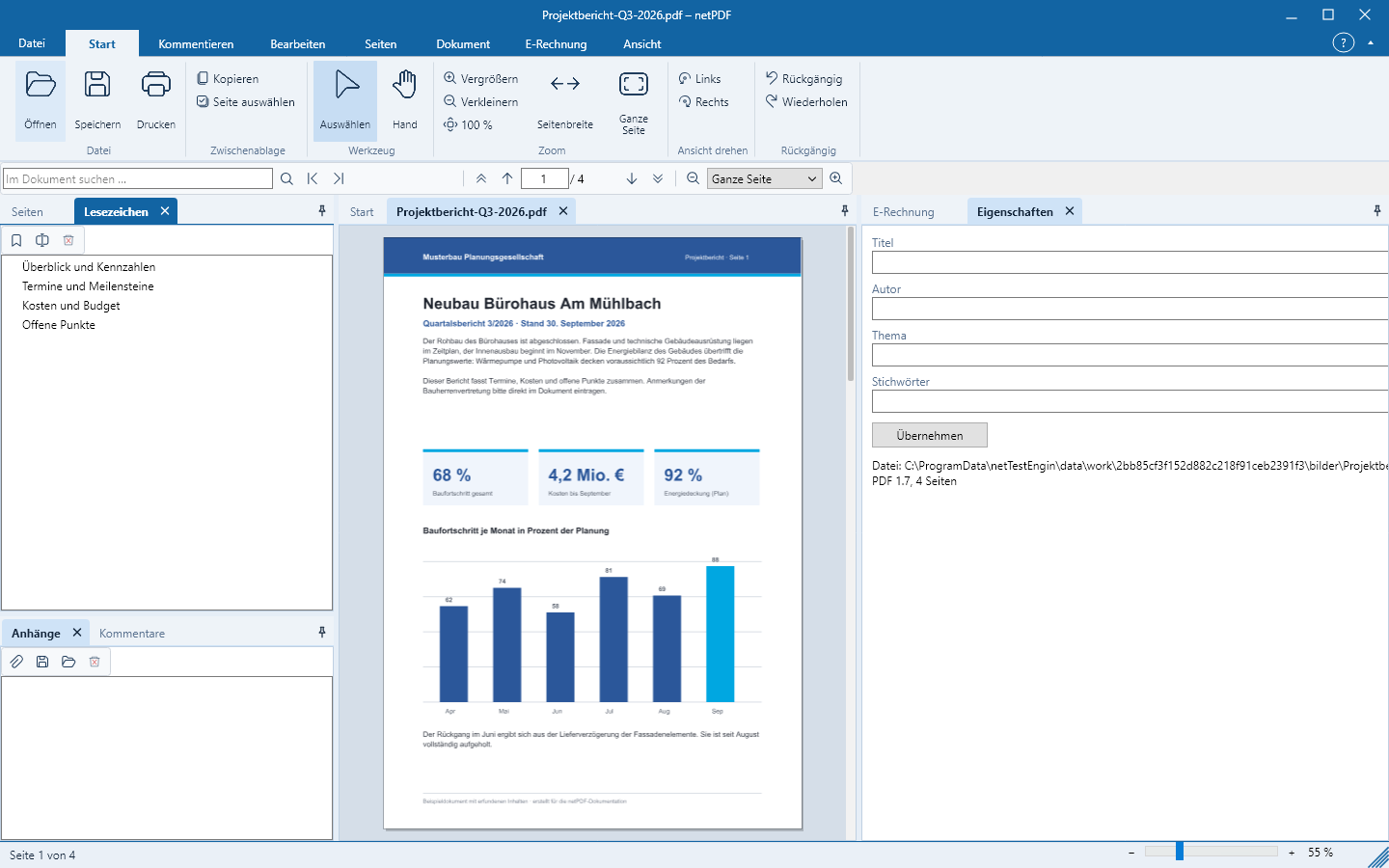
In the bottom right of the status bar you set the zoom with the slider or the buttons − and +, with the keyboard via Ctrl++ and Ctrl+−. In the ribbon you will find Page Width, Whole Page and 100%. Rotate View rotates only the display, not the file.
Search in the document
- Press Ctrl+F or click the search field Search in document … above the document.
- Enter the search term and press Enter.
- netPDF highlights all matches and shows their count. Use F3 to jump to the next, Shift+F3 to the previous match.
Scanned pages contain only an image. To be able to search there as well, run text recognition first – see Create, Convert & Scan.
Copy text
With the Select tool you mark text with the mouse; Page Select marks the entire text of the page. Copy or Ctrl+C places it on the clipboard. With the Hand tool you move the page with the mouse instead.
The Start → Print button immediately prints all pages to the default printer. Ctrl+P or Print → Advanced Print … opens the print dialog: on the left the settings, on the right the sheet exactly as it will be printed.
- Printer: Copies, Collate, Grayscale, duplex (long or short edge), paper tray.
- Pages: all, the current page or a selection like
1-3, 5, 8-; also odd or even pages only and reverse order. - Size: Fit page, actual size, shrink only oversized pages or custom scale; portrait or landscape automatically.
- Multiple: 2 to 16 pages per sheet, a custom grid or all pages on one sheet, with selectable page order and margins.
- Poster: a page enlarged across multiple sheets, with overlap, crop marks and labeling.
- Booklet: a folded booklet, also front- or back-sides only and with right-side binding.
Multiple pages per sheet, poster and booklet are part of netPDF Pro. netPDF remembers your settings for the next print.