Install netPDF and register for free
netPDF will be installed and associated with your free license within minutes.
Install on Windows
- Open the netPDF download page and select Windows 64-bit. Only older 32-bit systems require Windows 32-bit.
- Run the downloaded setup file. It carries the signature of Net-Base Software GmbH.
- Choose the installation folder and complete the setup.
- Start netPDF from the Start menu or by double-clicking a PDF file.
If netPDF is already running, double-clicking another PDF file opens it as a new tab in the running program.
Install on Linux
For Ubuntu, Debian and related systems there is a DEB package, for Fedora, CentOS, RHEL and openSUSE an RPM package. After downloading, open a Terminal in the downloads folder:
sudo apt install ./netpdf_*_amd64.deb      # Ubuntu, Debian
sudo dnf install ./netpdf-*-1.x86_64.rpm   # Fedora, CentOS, RHEL
Linux asks for your system password. No characters are shown while typing; this is normal. The package manager installs the required system libraries, and optionally OCR (Tesseract) and scanner support (SANE). netPDF then appears in the application menu and can be started with netpdf.
Without a package manager: extract the TAR.GZ archive and run ./netpdf/install.sh — without sudo for the current user, with sudo for all users. uninstall.sh removes it again.
Install on macOS
- On the netPDF download page choose macOS Apple Silicon and open the downloaded DMG. netPDF requires macOS 12 or later on a Mac with an Apple chip.
- Drag netPDF to the Applications folder.
- Start netPDF from the Applications folder.
First launch: The macOS build is signed with a Developer ID and notarized by Apple. macOS may at most ask on first launch whether you want to open the app downloaded from the Internet; no approval in System Settings is required.
Register for free
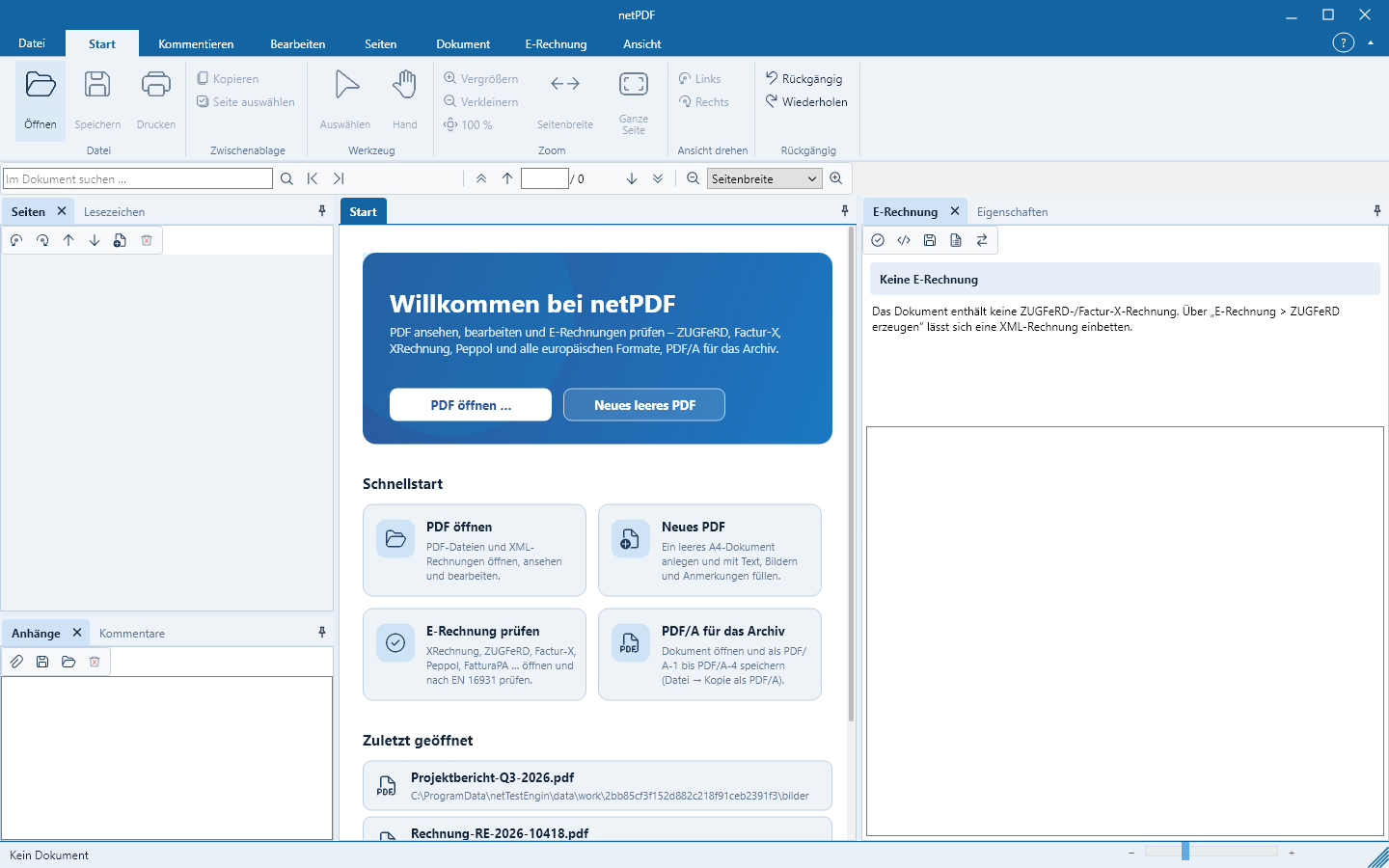
On first start a one-time window netPDF kostenlos registrieren appears with the sign-in page of Net-Base — you do not have to type a code. Registration starts the 30-day trial with all features; afterwards netPDF continues as netPDF Free, or you can unlock all features with netPDF Pro (see Versionen und Preise).
- Sign in with your Net-Base account or register for free with an email address and password.
- When registering by email you will receive a message with a confirmation link. The account is active only after confirmation.
- Signing in with Google or Microsoft opens, for security reasons, in your default browser. Your credentials never reach netPDF.
- netPDF checks in the background whether activation has occurred, then closes the window and starts itself.
If you close the window using the X, netPDF will not start. After activation netPDF also works without an internet connection. Under File → Account you can later see activation, account and license; Check activation queries the status directly from Net-Base.
Updates
Updates are free. After launch netPDF checks in the background whether a new version is available and then shows a window with the version number. What’s new is shown by netPDF on first launch of the new version. To check manually go to File → Account → Check for updates.
- Windows: Update now downloads the signed setup, verifies origin, size, SHA-256 checksum and signature, quits netPDF, installs the update and restarts netPDF. If a check fails, nothing is installed. Save any open documents beforehand.
- Linux and macOS: Open download page opens the netPDF download page. Install the new version as you did the first time.
Settings, recently opened files and the registration are retained during an update. The installed version is shown under File → Info.