PDF/A and Accessibility
PDF/A is the format for audit-proof long-term archiving; PDF/UA is the standard for accessible PDF documents. netPDF creates and validates both.
Which PDF/A variant?
- PDF/A-1: oldest standard, for very strict archival requirements.
- PDF/A-2: allows transparency, layers and JPEG 2000 – the right choice for most archives.
- PDF/A-3: allows arbitrary attachments, for example the XML file of a ZUGFeRD invoice.
- PDF/A-4: based on PDF 2.0, with 4e (Engineering) and 4f (attachments).
The conformance level b ensures faithful visual reproduction, u additionally provides searchable text, a additionally provides accessibility.
Converting a document
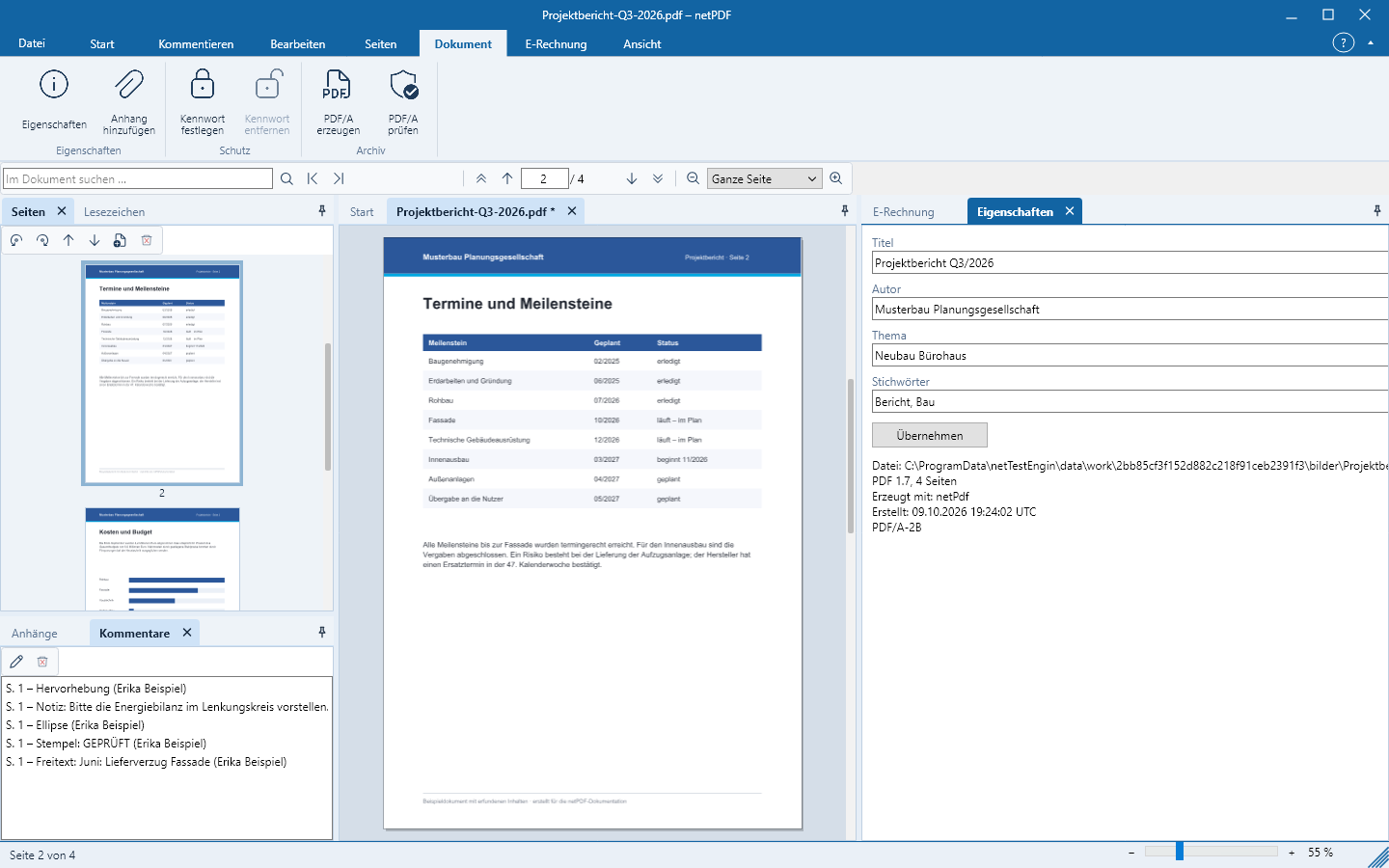
- Open the document and click Document → Create PDF/A.
- Select the variant. netPDF embeds fonts, adds color profiles, removes disallowed content such as JavaScript, and sets the metadata.
- netPDF reports what was changed and validates the result. Then save the document.
If you want to keep the original, instead choose File → Save a copy as PDF/A … – the copy is validated immediately. Validate PDF/A validates existing files; the findings reference the rule number from ISO 19005 – the same numbering used in the veraPDF reference validation.
Making accessible
- Click Document → Make accessible and select the document’s language.
- netPDF tags the document automatically: reading order (including multi-column layouts), headings, paragraphs, lists and figures. Headers and footers are marked as artifacts so they are not read aloud.
- For images netPDF prompts for alternative text. Briefly describe what the image shows.
Validate PDF/UA checks against PDF/UA-1 or PDF/UA-2, rule by rule like veraPDF. In the Tags window you can view and edit the structure tree.