netPDF explained
Choose a topic. Each guide leads you to the goal in short, clear steps.
What would you like to do?
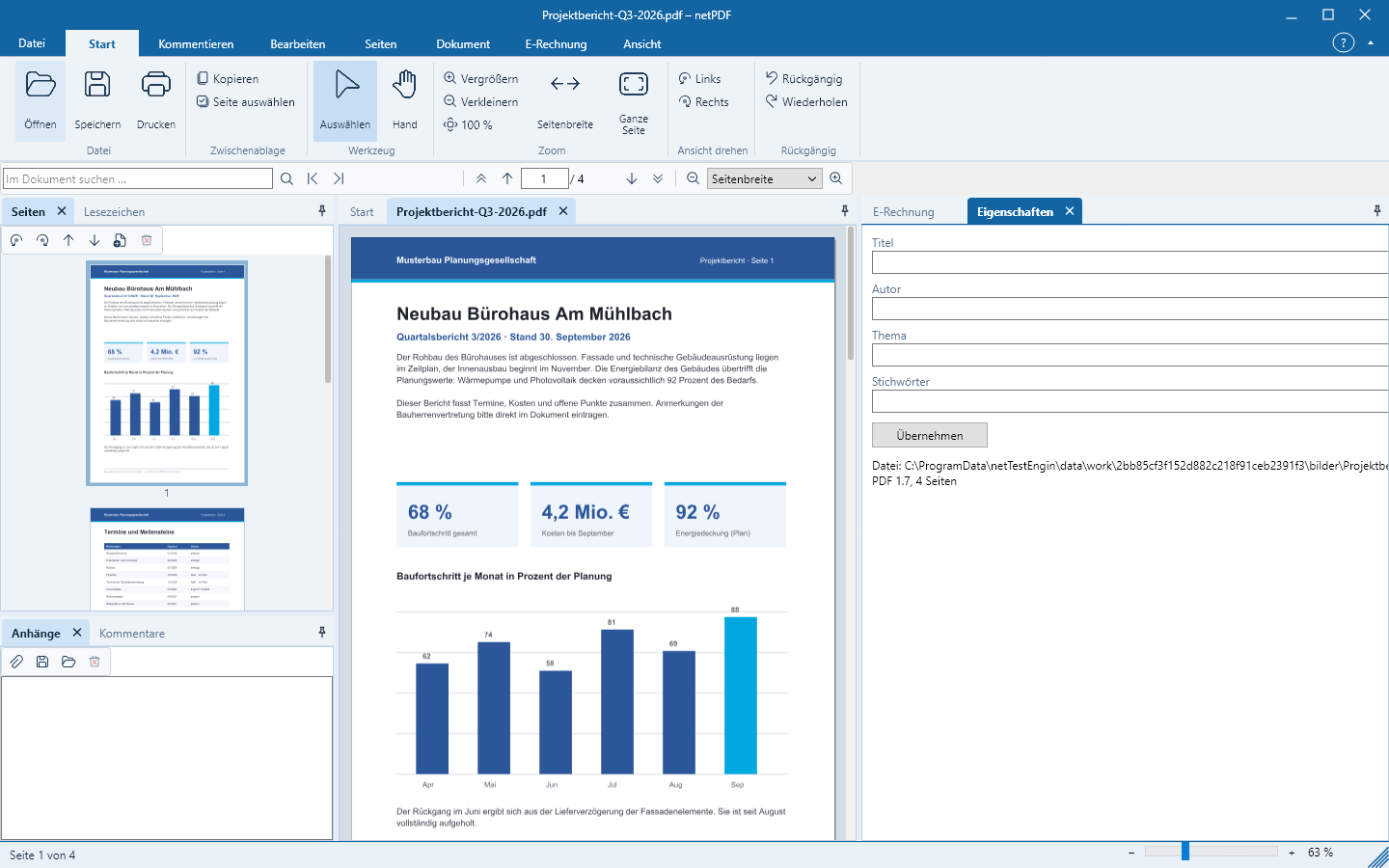
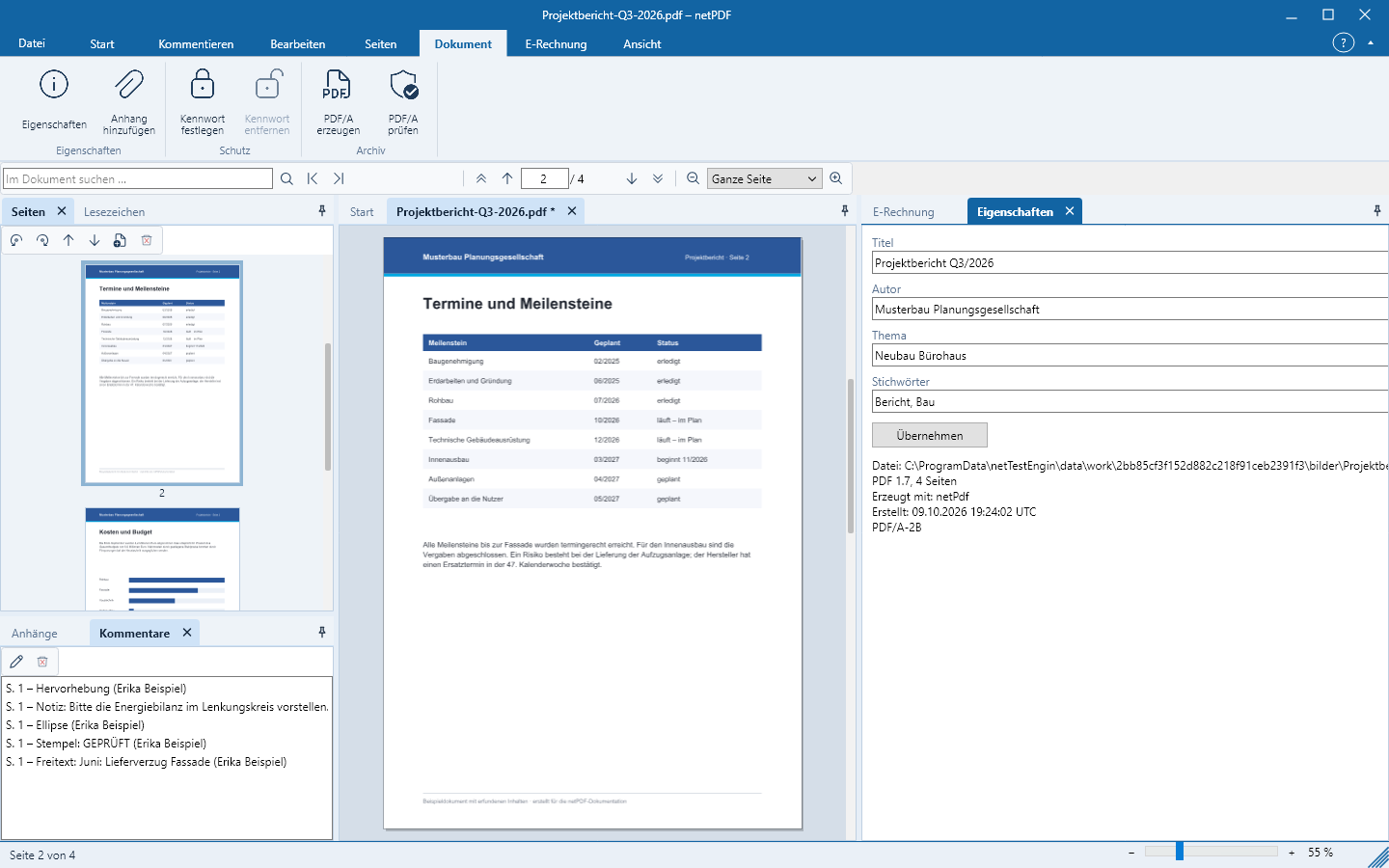
Start with installation or jump directly to the topic you have a question about. Each chapter explains the key steps in plain language and shows relevant examples from netPDF.
The chapters are not necessarily sequential. You can therefore enter at any time via the menu on the left or via one of the following tiles. In the application, F1 opens the detailed help in your language.
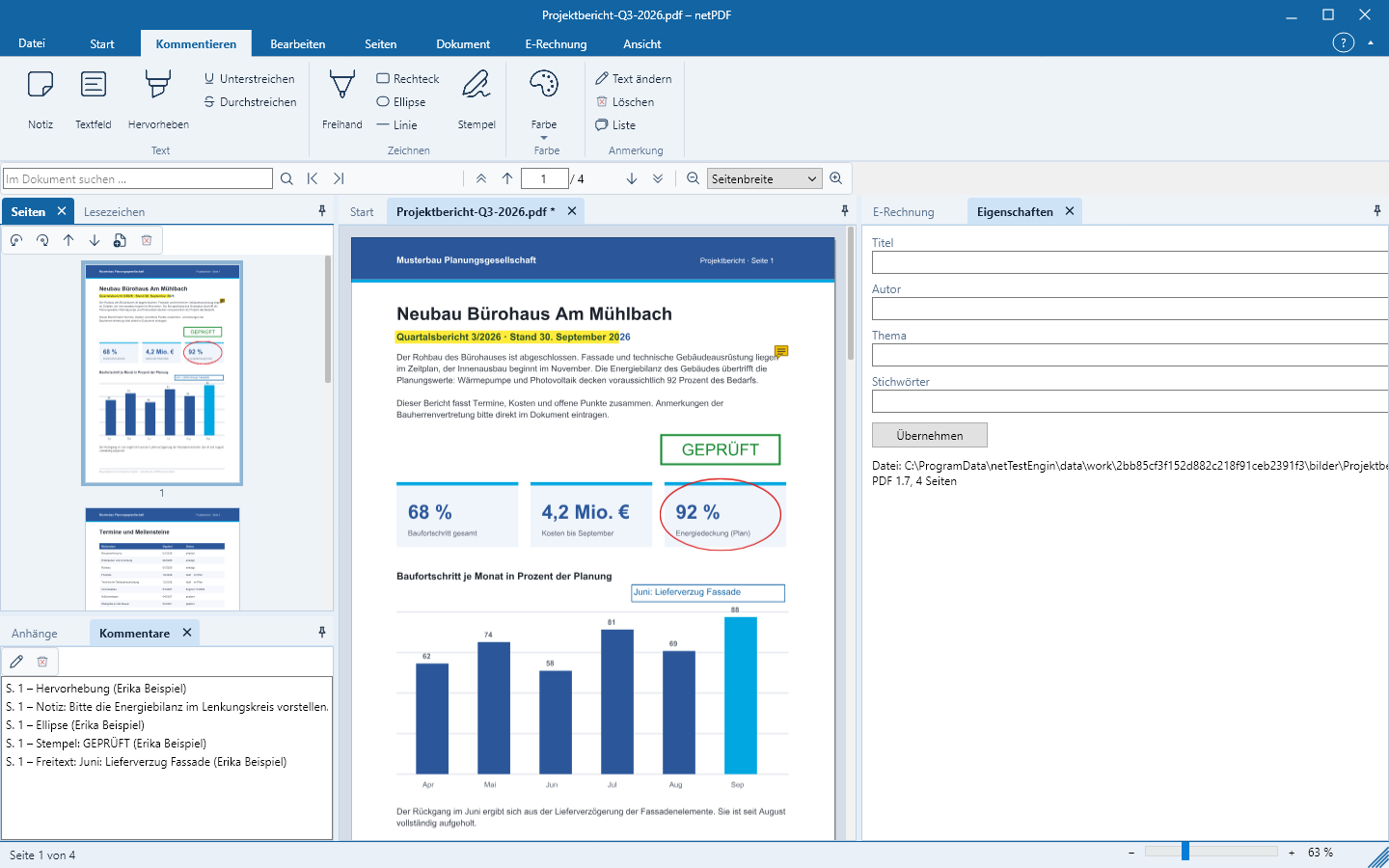
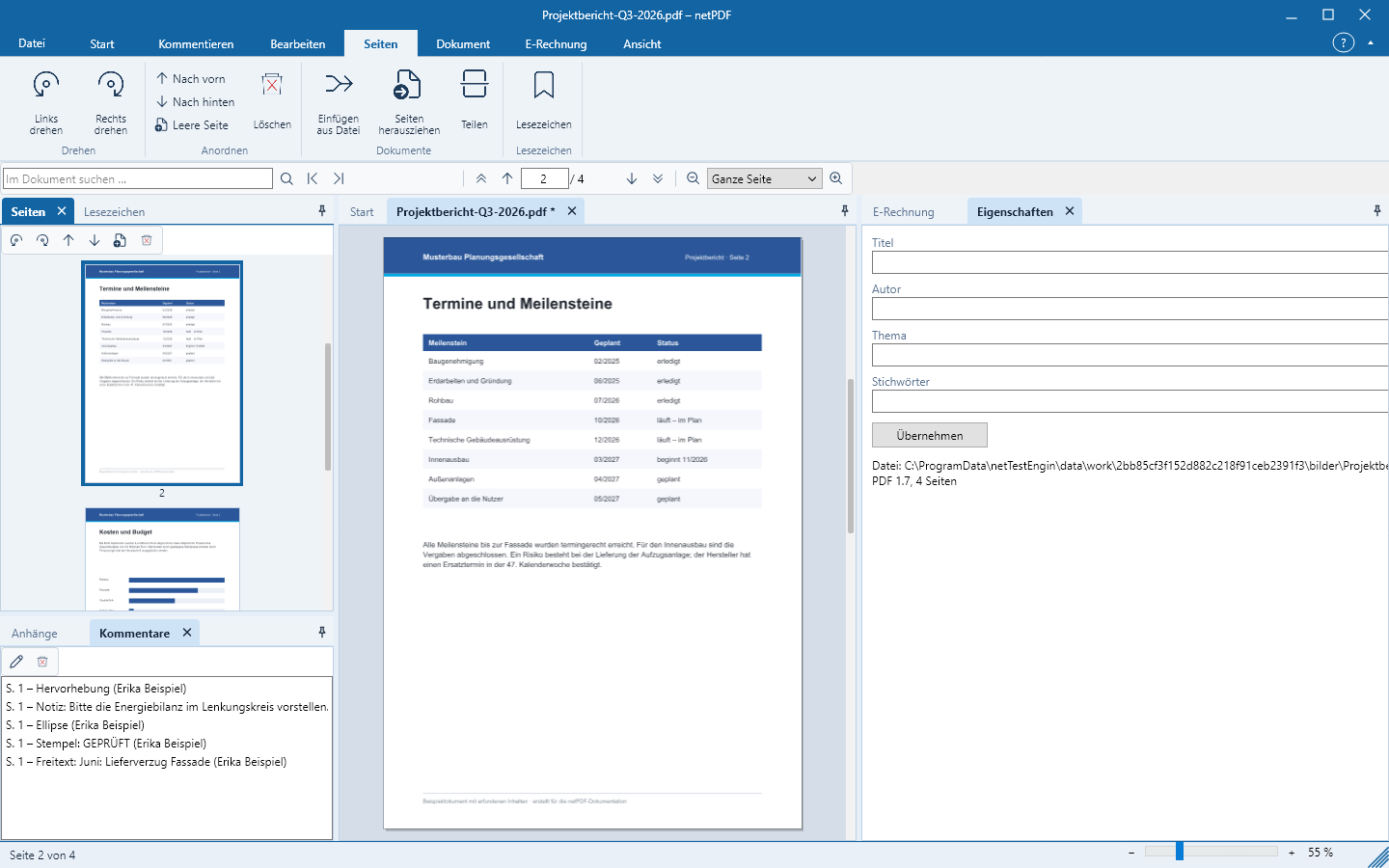
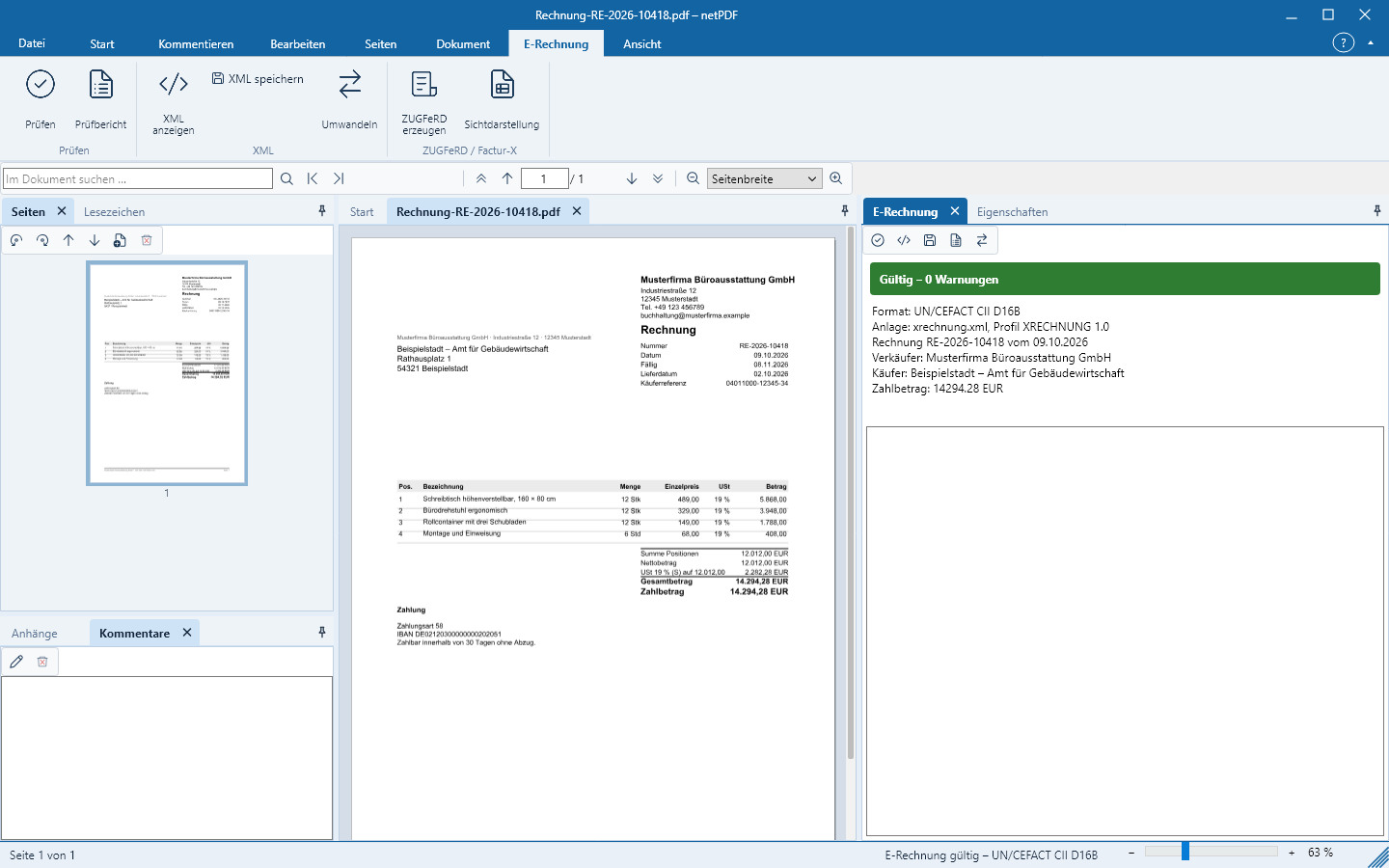
Installation & RegistrationInstall netPDF on Windows, Linux and macOS, activate it for free on first start and keep it up to date.Getting startedRibbon, page panel, tabs, start page and layout: this is how netPDF is organized.Read, Search & PrintBrowse pages, zoom, rotate pages, search text, copy text, follow links and print.CommentingCreate notes, text boxes, colored highlights, freehand, shapes, measurements and stamps; reply to and exchange them.Edit & RedactModify existing text and images, insert new content and securely redact sensitive passages.FormsFill PDF forms, detect fields automatically, create custom forms and lock values.Manage pagesRotate, move, delete pages, insert blank pages, merge PDFs, extract pages and split documents.Create, Convert & ScanConvert Word, Excel, PowerPoint, images and scans to PDF, export PDF, recognize text and compare versions.Validate e-invoicesOpen ZUGFeRD-, Factur-X- and XRechnung files, validate against EN 16931, interpret results and save a validation report.Create e-invoicesCreate new e-invoices, generate ZUGFeRD PDFs, embed XML into an existing PDF, convert formats and sign.PDF/A & AccessibilityConvert and validate documents to PDF/A-1 through PDF/A-4, make them accessible and check against PDF/UA.Sign & ProtectDigitally sign PDFs and verify signatures, protect with passwords, edit metadata and manage file attachments.Command LineValidate and convert e-invoices, generate ZUGFeRD, create PDF/A, recognize text and convert files — without a user interface.TroubleshootingSolutions for common questions on registration, rendering, e-invoices and PDF/A, and contacting support.