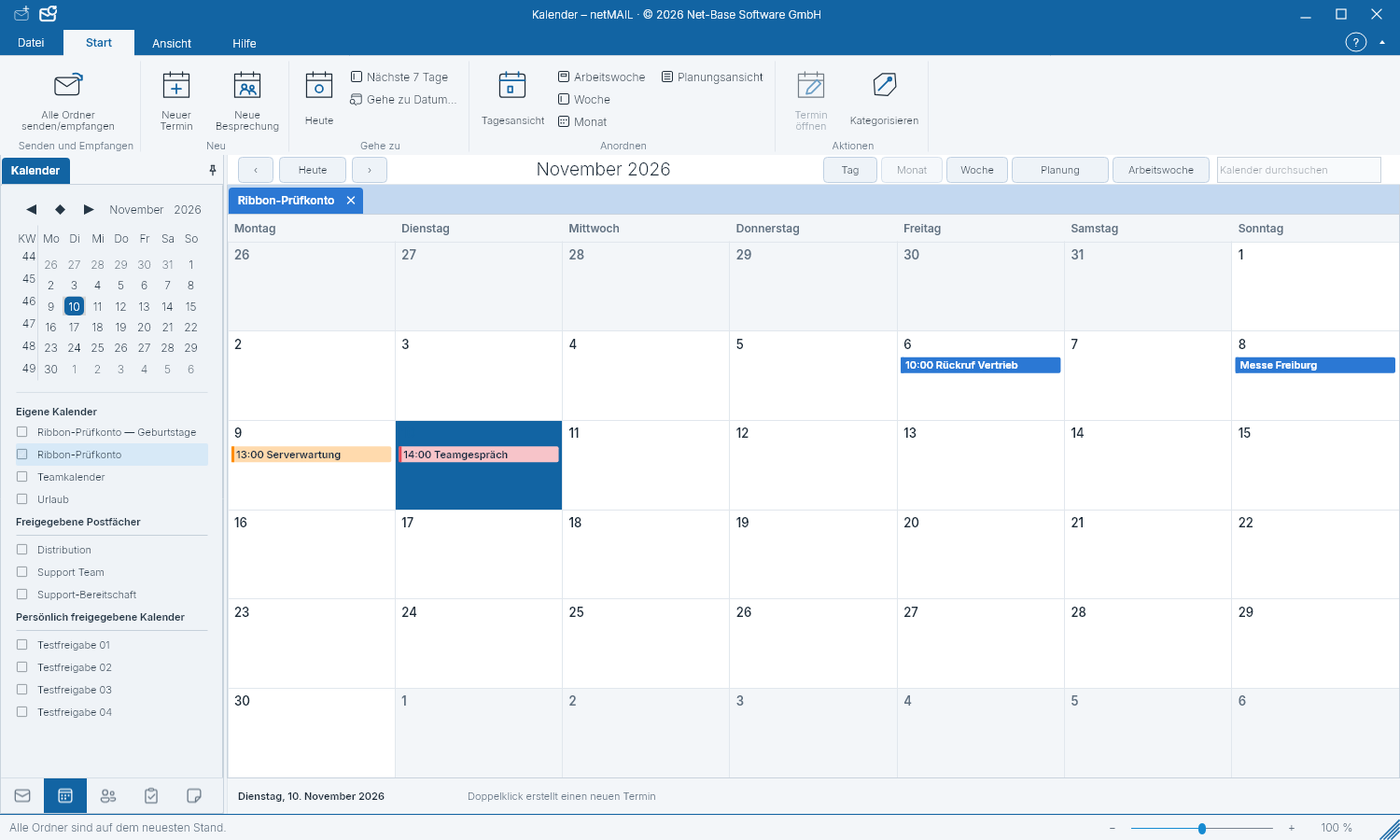
Manage appointments and calendars
The selection on the left determines which calendars and appointments are visible at the same time.
Select the appropriate view
Switch to Calendar and choose Day, Work week, Week, Month or Agenda. Use the small calendar to jump to a date. Calendar weeks help with orientation. Multi-day appointments appear as continuous bars above the time grid.
Create an appointment
- Select the target calendar and create a new appointment.
- Enter title, start and end. Add location, description, reminder or recurrence if needed.
- Check the calendar and save the appointment.
Multiple calendars
Use the checkboxes to show or hide individual calendars. This selection persists after a restart. Colors and categories help distinguish them. Shared calendars follow your server permissions; availability-only displays do not contain full appointment details.
Invitations and birthdays
For an invitation you can check the displayed meeting details and select a proposed response. Birthday calendars are provided from contacts or by the provider. A derived birthday calendar is read-only; change the birthdate in the associated contact.