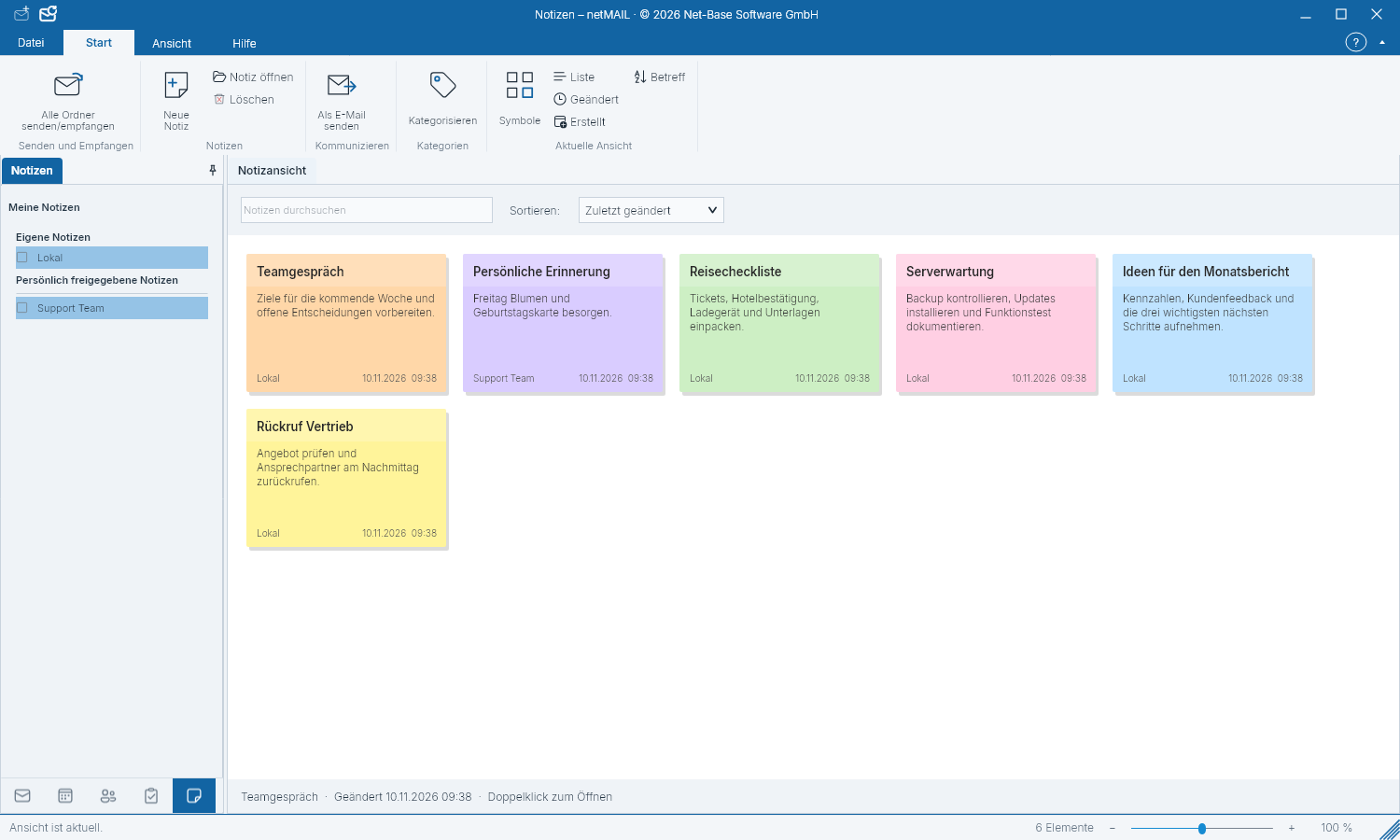
Taking notes
Notes collect information you neither want to send as an email nor schedule as a task.
Create a note
- Switch to Notes and select a notes folder.
- Create a new note and enter a title and text.
- Use the provided colors or categories to organize and save the entry.
Finding notes
Open a note to read or edit. Use search and sorting to find entries in large collections. Before deleting, verify the selected note and its folder.
Synchronization and confidentiality
For server-bound notes, the rights and capabilities of your provider apply. A note is not a password vault. Store credentials in the designated secure storage, not as note text.