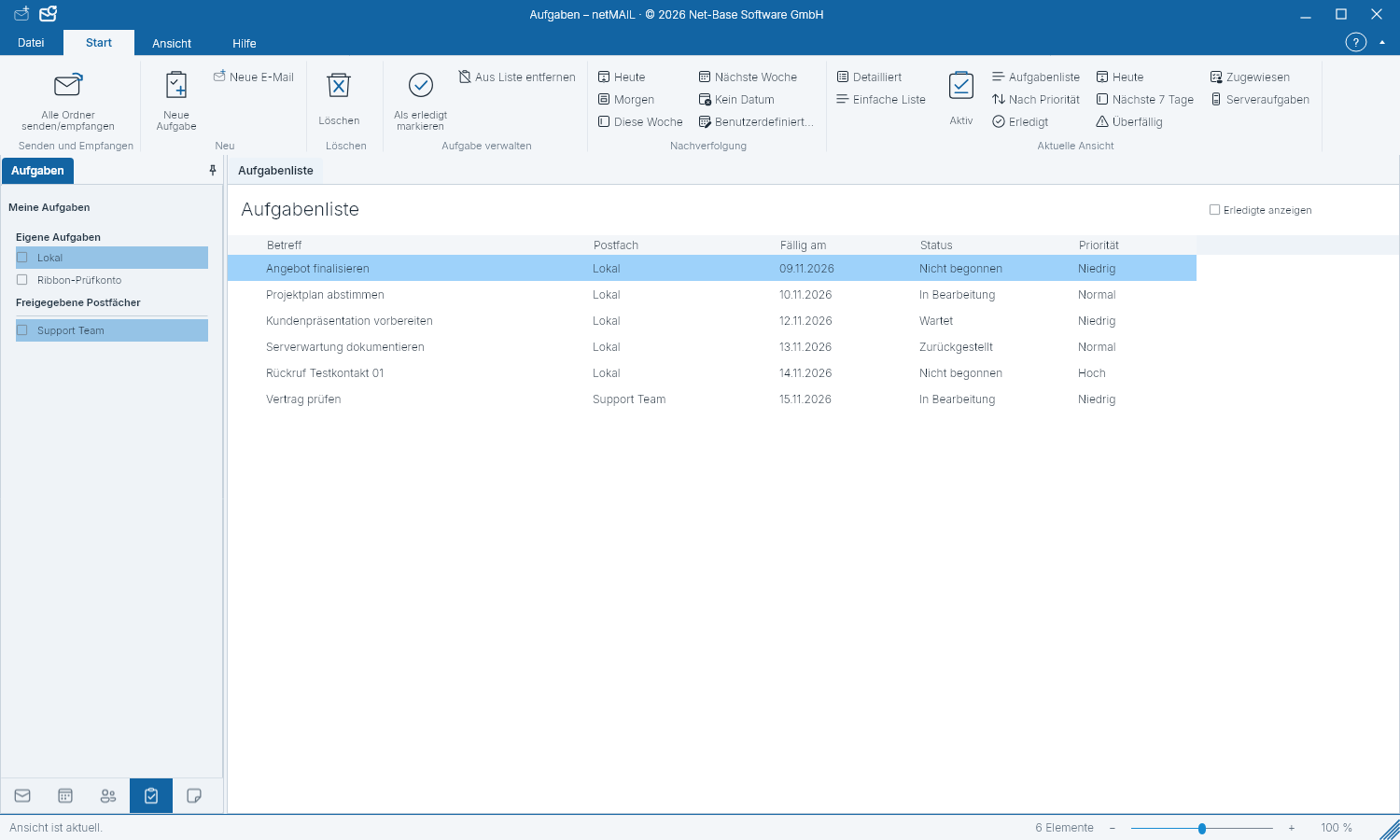
Plan and complete tasks
A task records what you want to accomplish and by when it should be completed.
Create a task
- Open Tasks and select the appropriate task folder.
- Create a new task and enter a descriptive subject.
- Specify start, due date, priority, and, if applicable, a reminder.
- Save the task.
Track progress
Update status and progress as you work on the task. Mark a completed task as done. Filters and sorting help find open and due tasks; categories group related items.
Synchronization
Server-bound tasks are synchronized with the selected account, provided the provider supports this feature. If a change is missing, check the task folder, your permissions and the last synchronization notice.