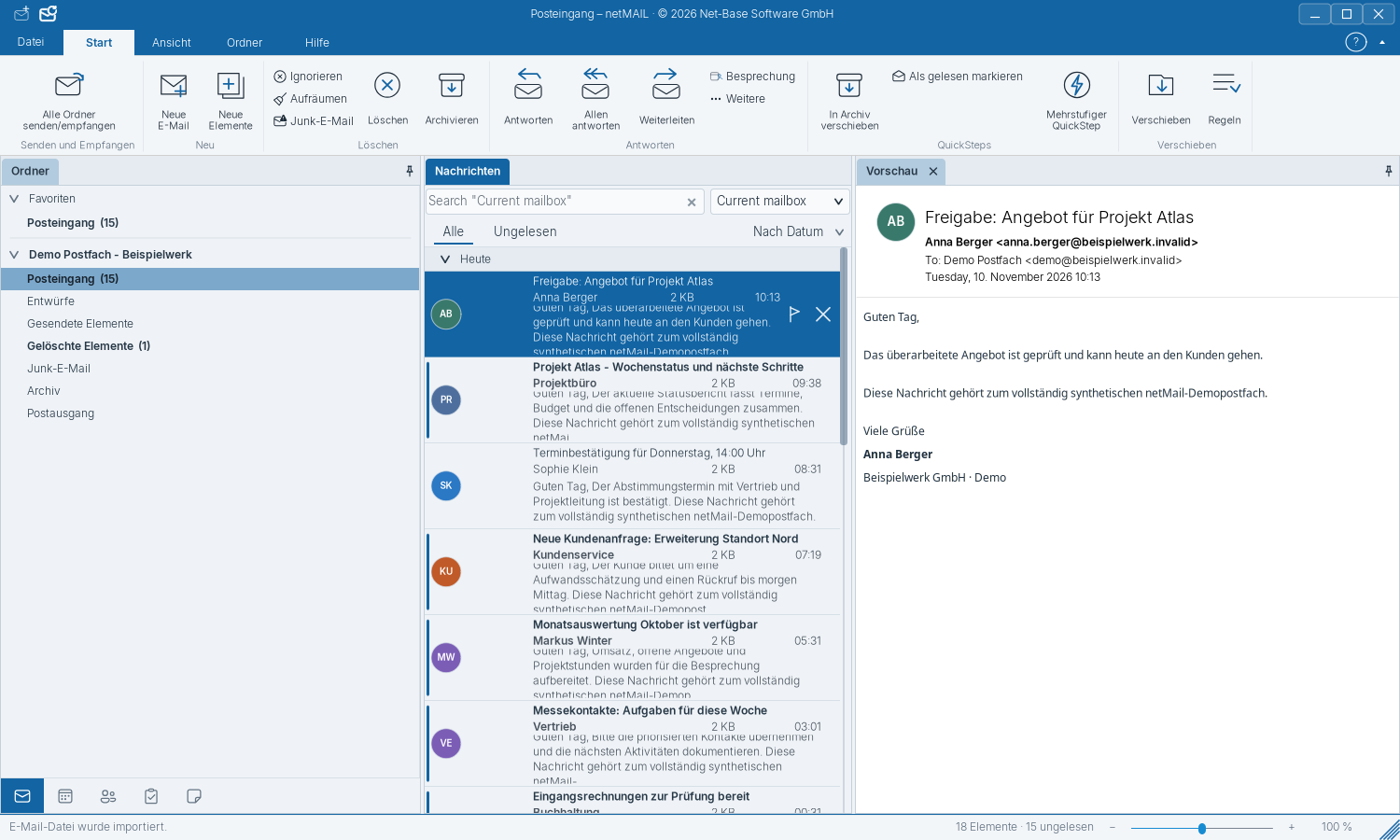
Using Search, Folders and Favorites
Favorites are shortcuts to your folders. You can change their names independently of the original.
Finding a message
Enter a search term at the top. The search starts in the current mailbox. Use the search scope to select a specific folder or all mailboxes. Multiple words are combined; put a contiguous phrase in quotation marks. For example, Hotel 3 Vallees will also match spellings with accents.
Add and name favorites
- Open a folder’s context menu and add it to Favorites.
- Select the shortcut in the Favorites area.
- Press F2 or choose Rename favorite, enter a custom name and confirm.
Only the display name of the shortcut changes. The folder on the server and its messages retain their name and associations. If you remove a favorite, the original folder remains.
All Inboxes
All Inboxes aggregates personal and accessible shared inboxes together with unread counters. You can rename this entry as well. Replying, deleting and moving still act on the original messages and accounts.
Organize folders
Create folders in the appropriate account and move selected messages into them. If you want to rename the actual server folder, use its original entry in the mailbox. For shared folders you need the corresponding write permissions.