netMail, simply explained
Choose a topic. Each guide leads you to the goal in short, clear steps.
What would you like to do?
Start with the installation or directly choose the topic you have a question about. Each chapter explains the key steps in plain language. Use the menu on the left and the topic tiles to switch sections at any time.
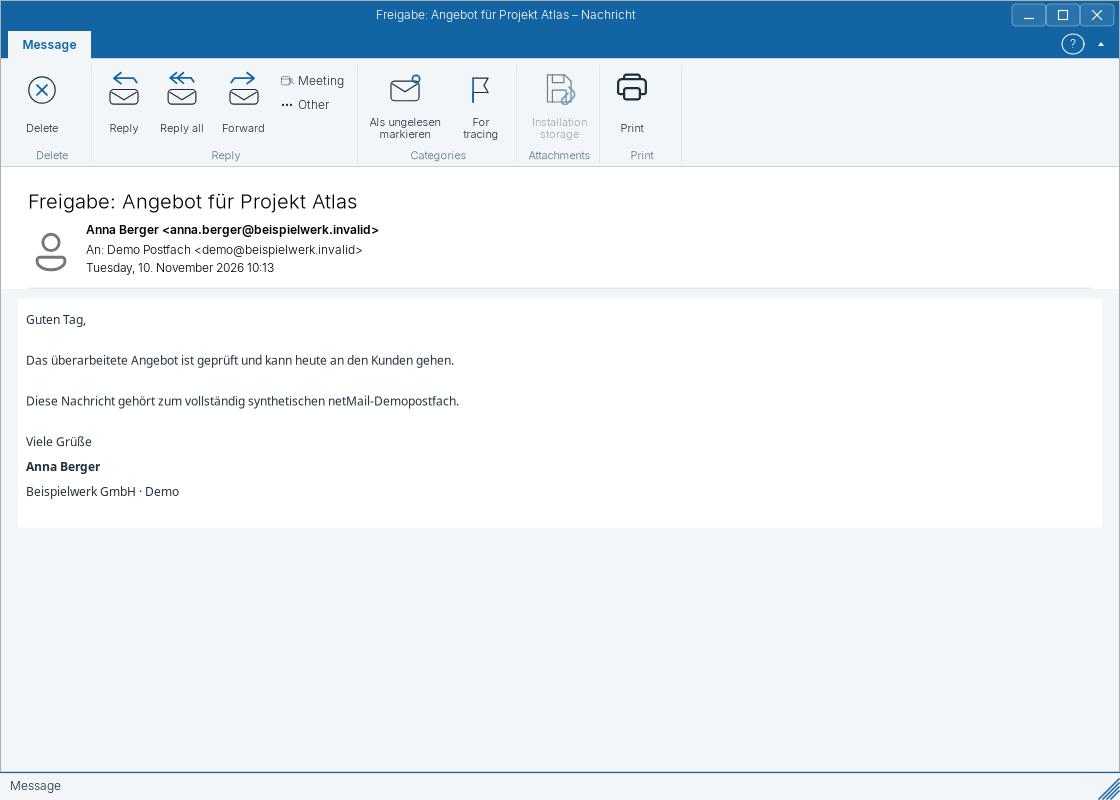
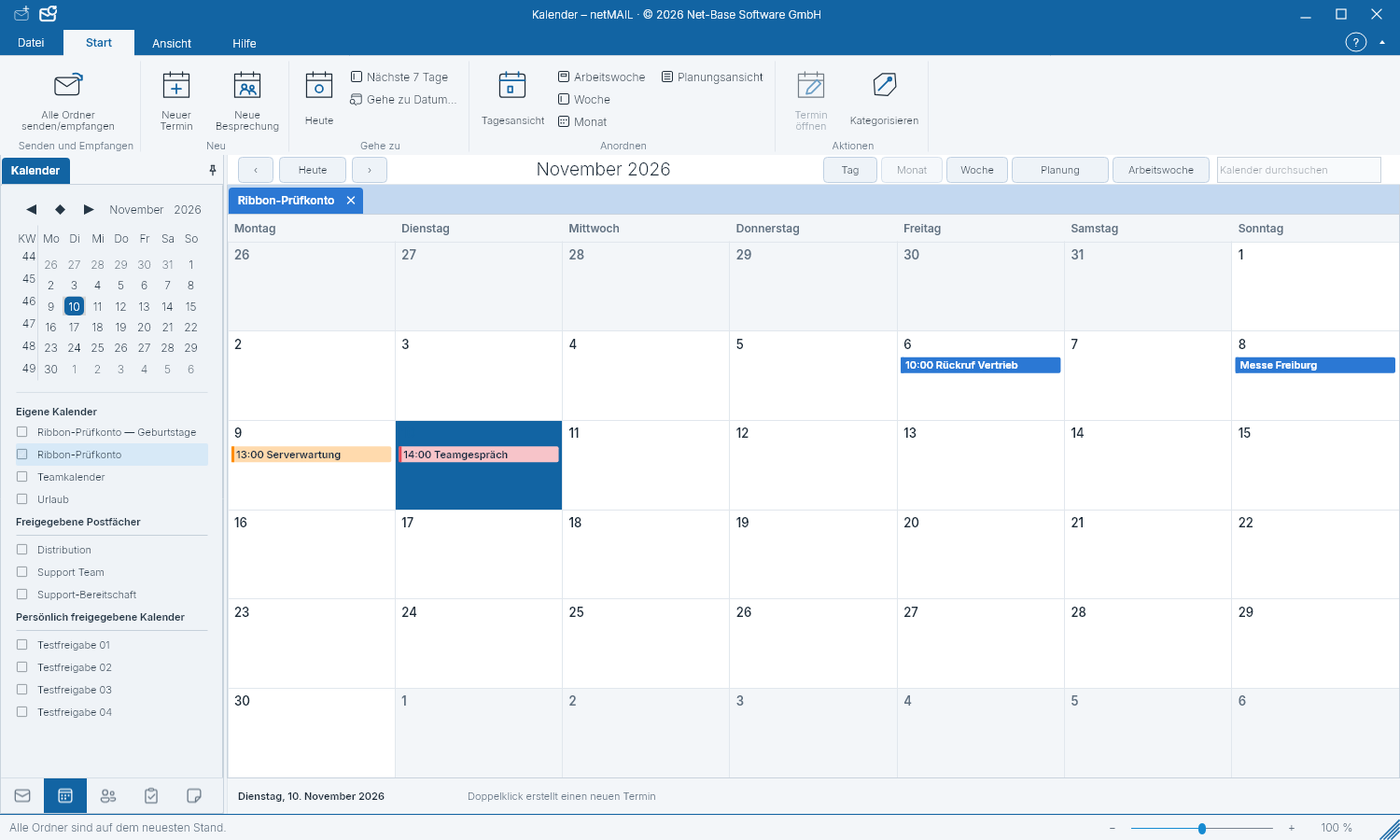
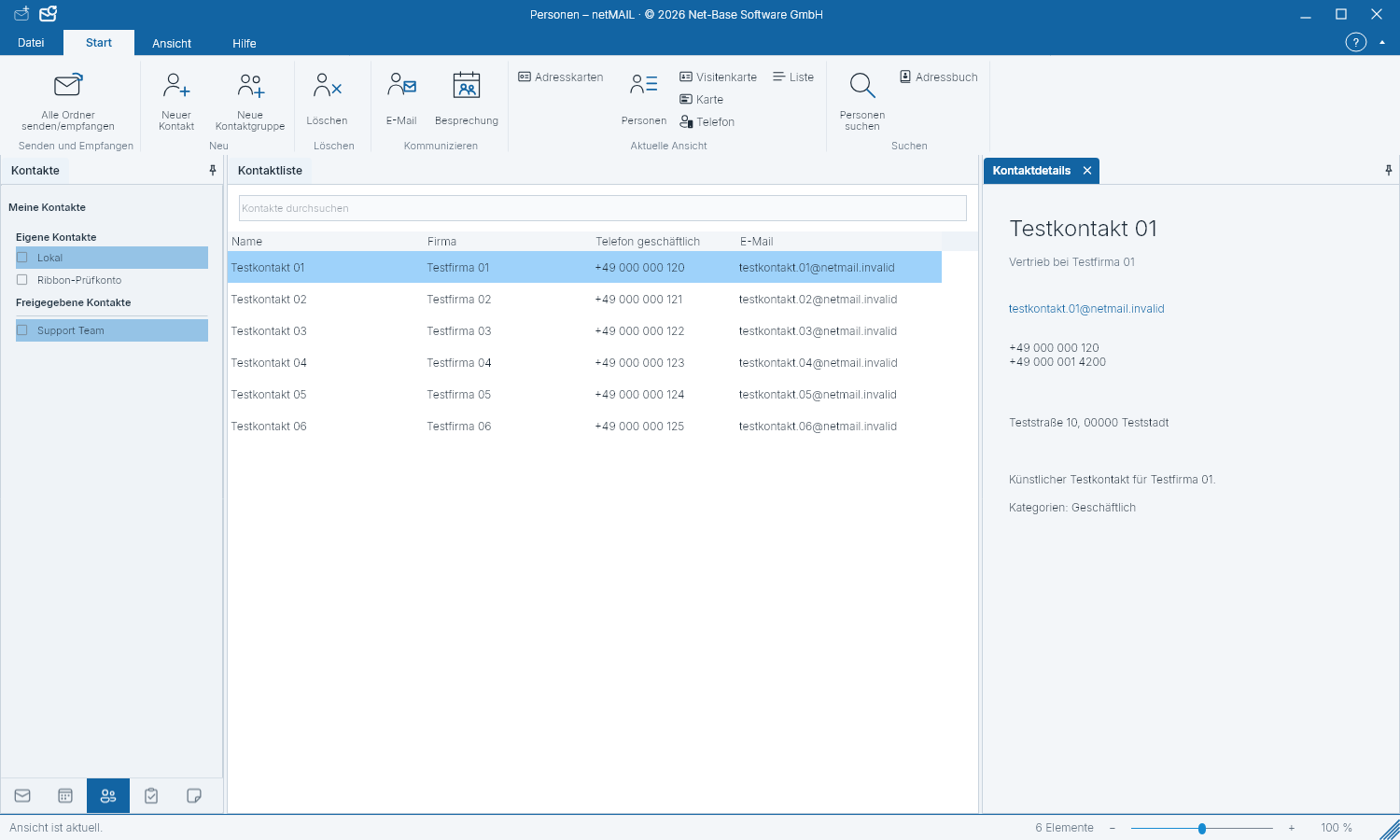
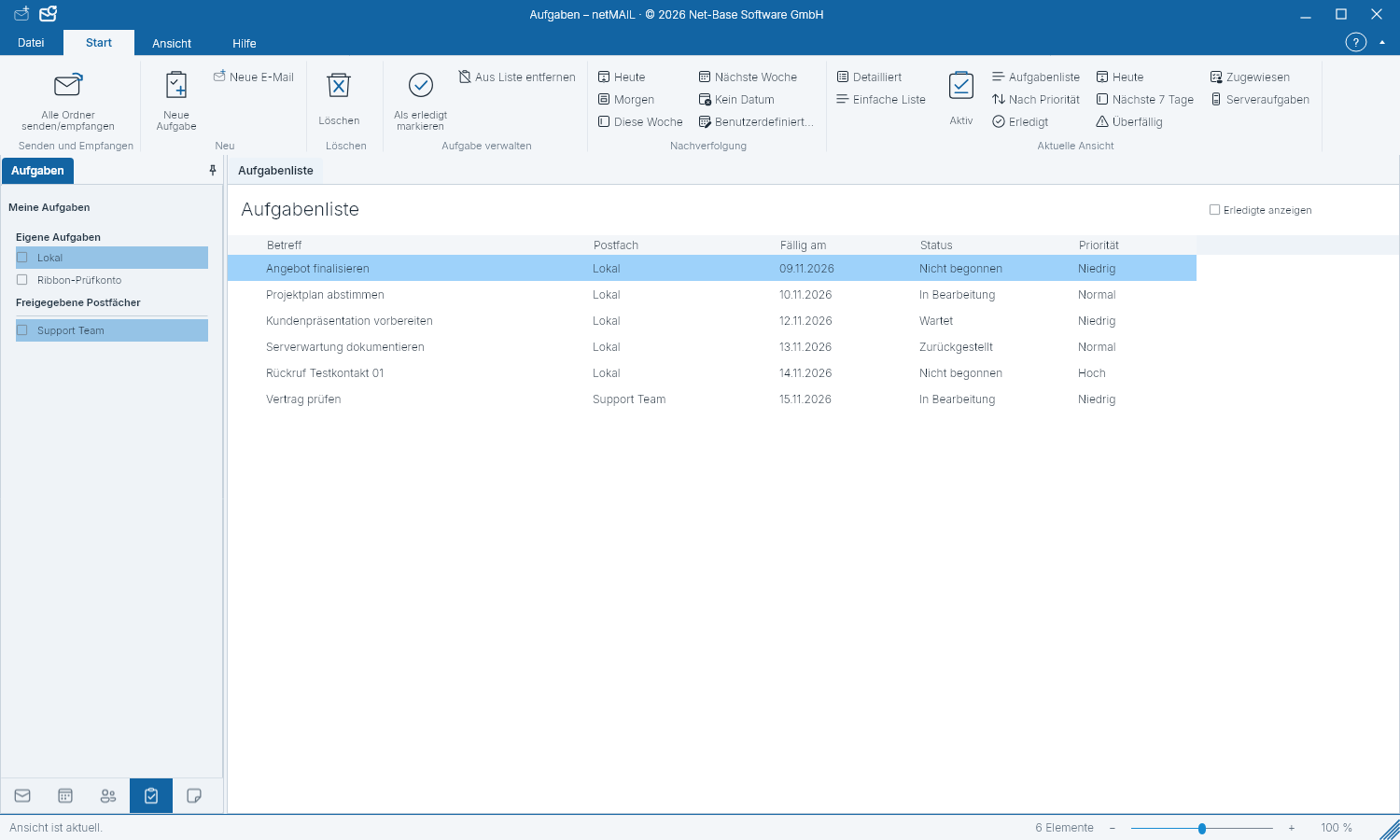
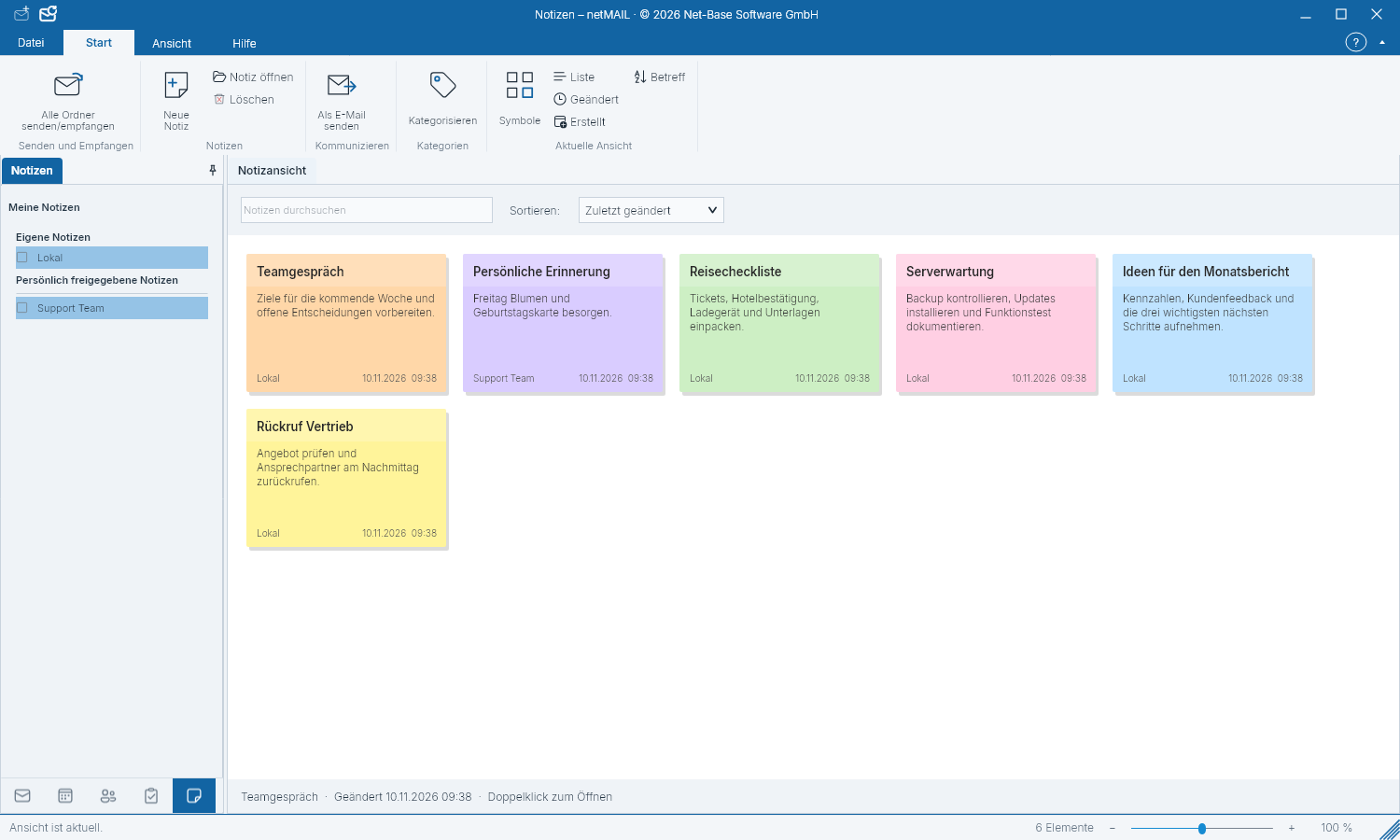
Installation & RegistrationWindows, Linux or macOS set up, register for free and use Free or Pro.Getting StartedGet to know the ribbon, folders, message list, reading pane and the five workspaces.Set Up AccountsConnect IMAP and SMTP, Microsoft 365 or Exchange and verify detected server settings.Reading E‑mailsView messages, choose to load external images and inspect link destinations and attachments.Compose & SignaturesManage recipients, formatting, attachments, signatures and spell checking.Search, Folders & FavoritesSelect the search scope, name favorites and manage multiple inboxes together.CalendarCreate appointments, switch views and select personal or shared calendars.ContactsStore addresses, phone numbers and birthdays in the correct account.TasksMaintain due dates, progress, reminders and categories for your tasks.NotesCapture short information, find it again and assign it to the correct account.Print & PDFPrint a selection or view, set calendar ranges and save print templates.Settings & UpdatesChoose language and theme, install updates and handle local data securely.TroubleshootingNarrow down sign-in, synchronization, display and update errors using safe steps.