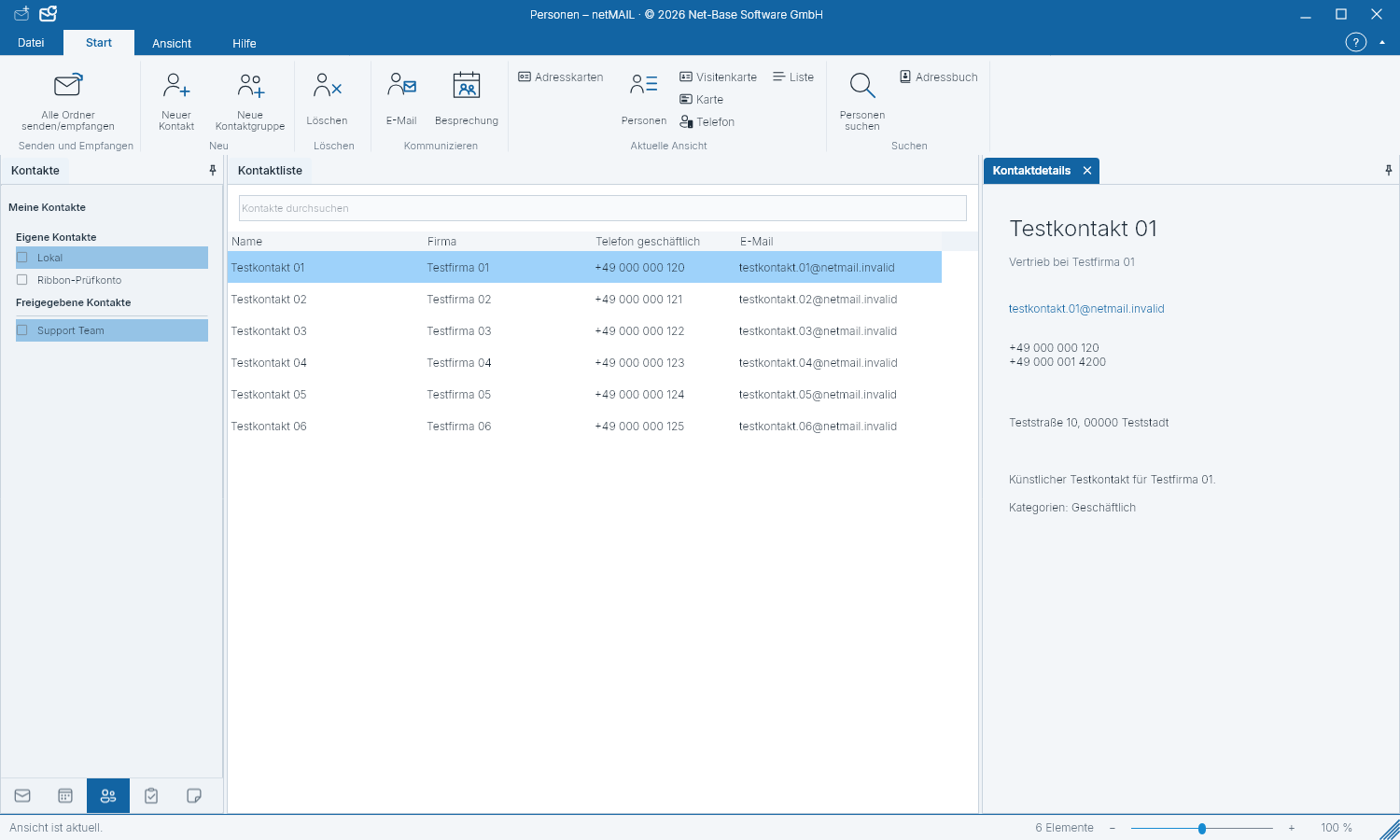
Manage contacts
Before saving, verify which contact folder and account an entry belongs to.
Create or edit a contact
- Go to Contacts and select the desired contact folder.
- Create a new contact or open an existing entry.
- Add names, E-mail addresses, phone numbers and, if applicable, company, address or birthday.
- Save the contact.
Search and assign
Search and sorting help with large address books. Categories organize contacts by your work area. Suggestions while composing an email can include contacts and previous recipients.
Shared address books
With Microsoft 365 and Exchange, visibility depends on the account and its sharing settings. In a read-only contact folder you can view entries but not edit them. To change a birthday, edit the contact and then synchronize the calendar.