Schedule tasks
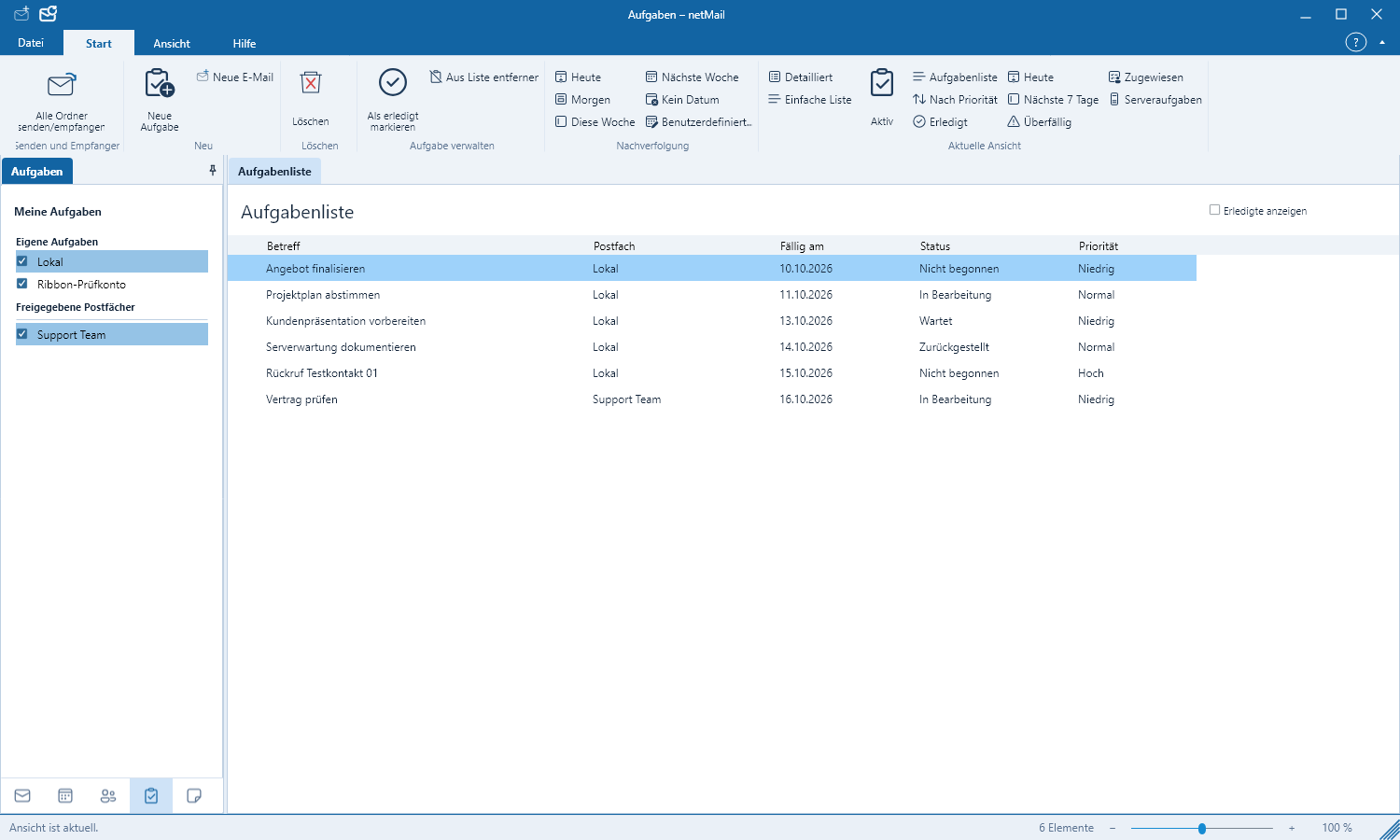
Tasks help you record open items with dates and progress status.
Create a task
- Go to Tasks in the lower-left.
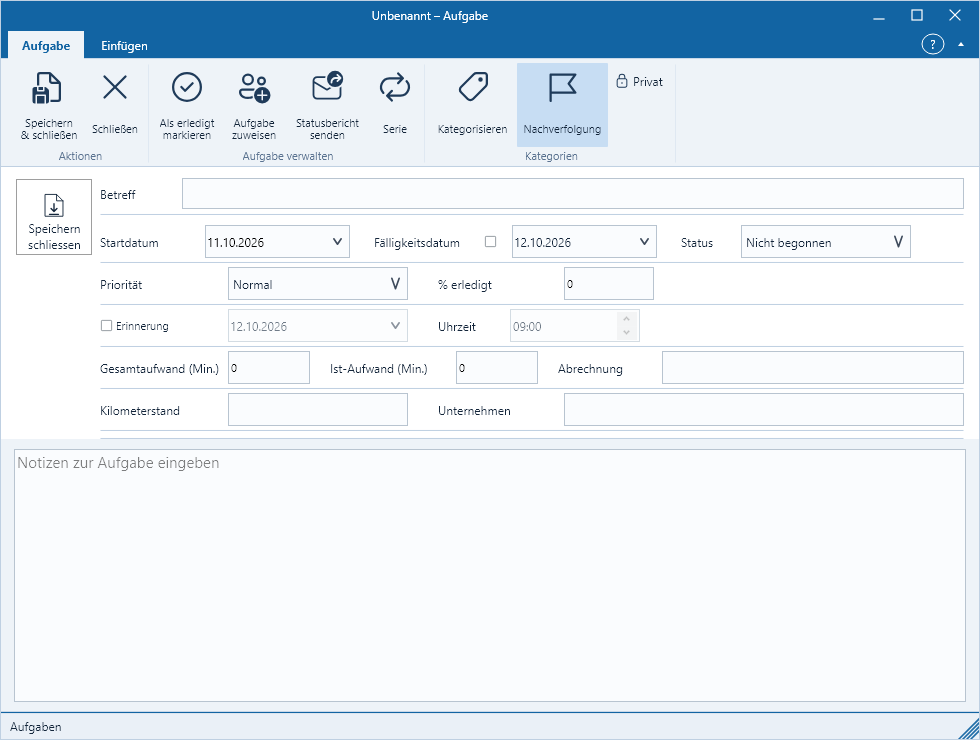
- Click New Task.
- Enter title, start and due dates.
- Select priority, status and, if needed, a reminder.
- Save.
Update progress
Mark a completed task as Completed. For longer work items you can adjust the progress and record notes in the description. Sorting and filters help to surface overdue or particularly important tasks first.
Synchronization
Tasks from a Microsoft or Exchange account are synchronized in the background. Shared task lists appear depending on the server’s permissions. A local change is immediately visible and is then transmitted.