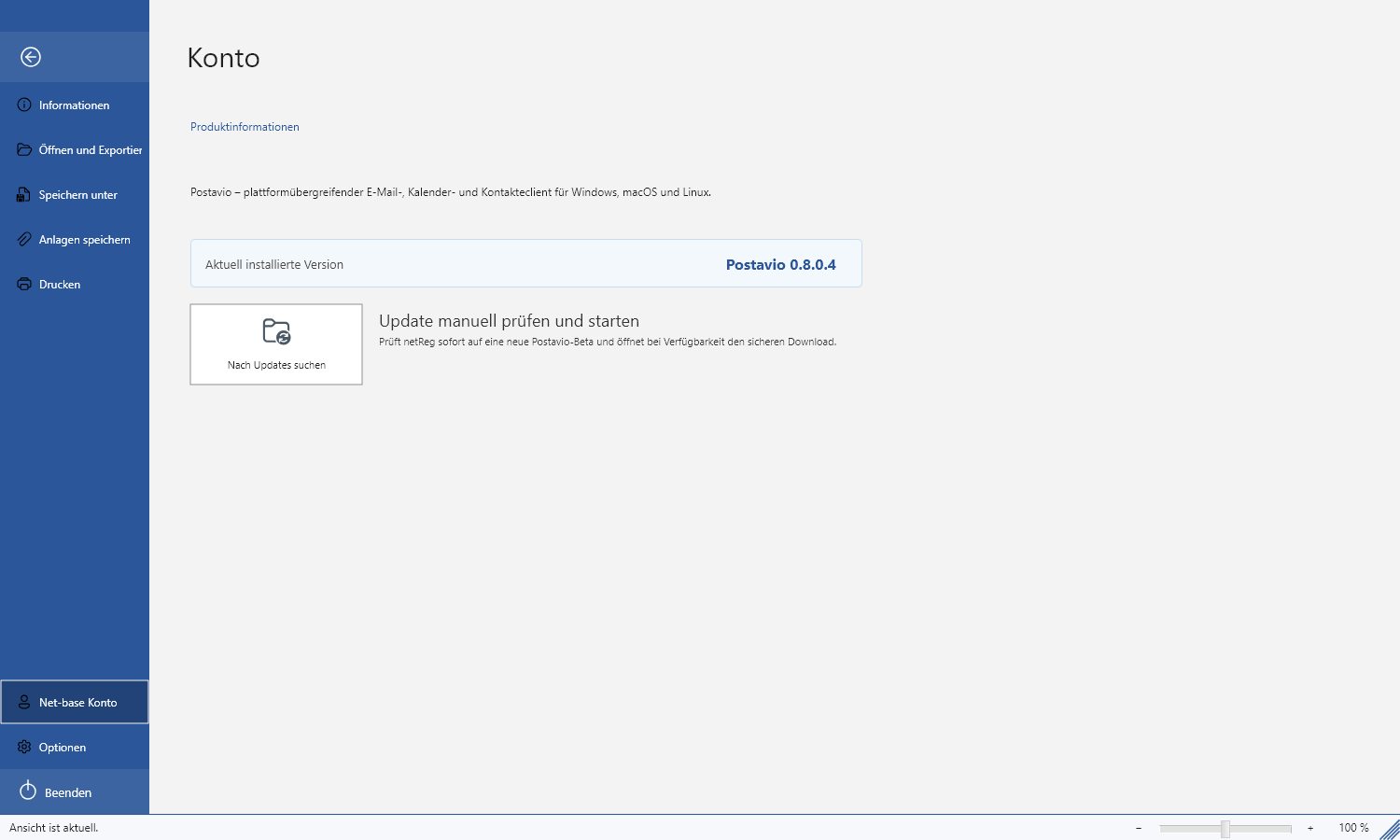
Settings and Updates
In the File area you manage accounts and configure how netMail should operate and appear.
Accounts and program options
Open File to manage accounts, signatures, rules and general settings. Only modify server settings according to the information provided by your provider.
Synchronization range
A shorter range saves time and storage during the initial sync. Depending on the provider, server-side search may still find additional messages. Select „All emails“ only if you require the complete history locally.
Updates under Windows
netMail checks in the background for a suitable version. You decide when the signed setup is launched. Before installation, the application shuts down cleanly so the mail database is not open concurrently.
Updates under Linux
For a package installation, netMail opens the existing package manager via the protected administrator prompt of Linux. netMail itself does not read or store your system password. Alternatively use sudo apt update and sudo apt upgrade.