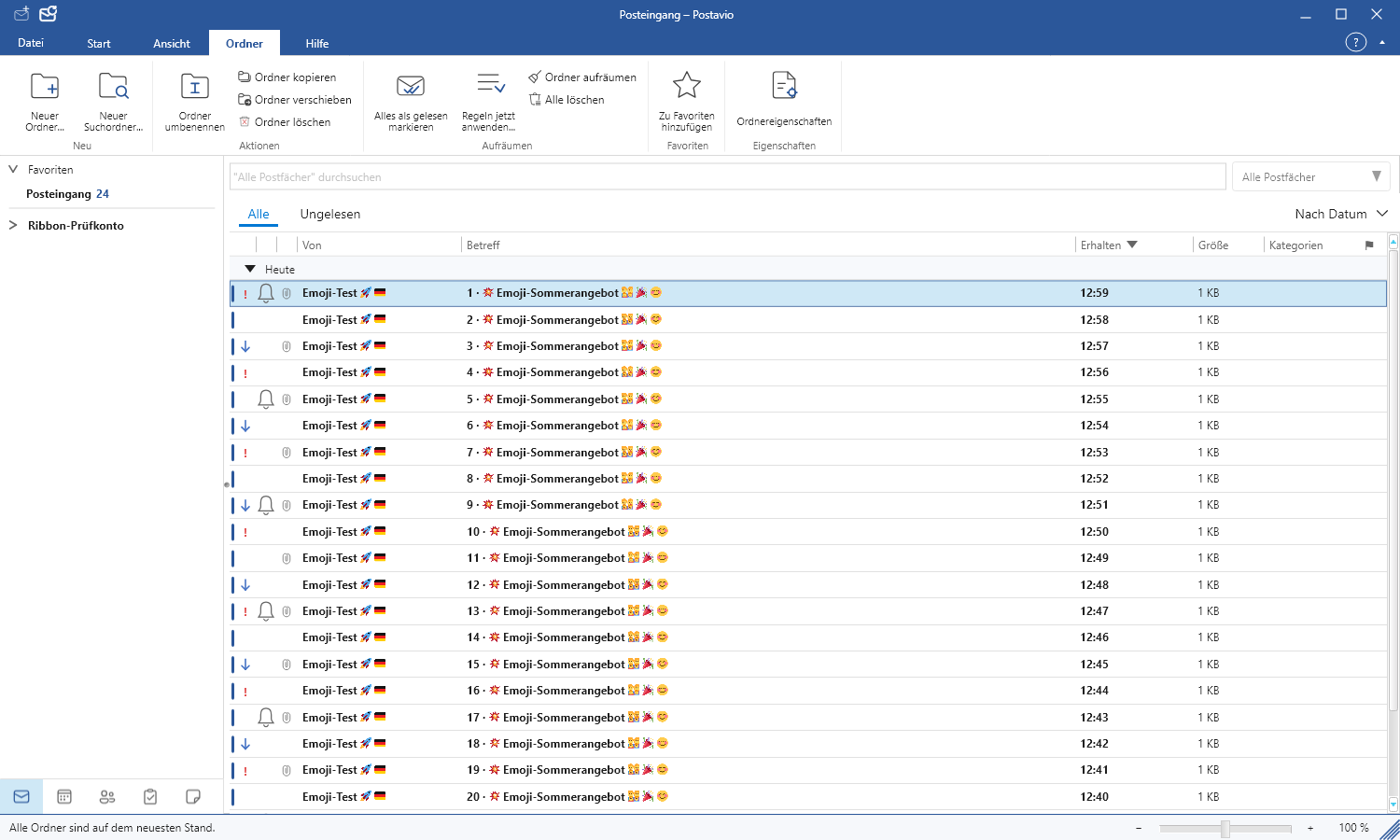
Searching, sorting, and managing folders
The search also covers messages that have not yet been loaded into the visible list.
Select the search scope
On the left of the search field select the scope: current folder, folder including subfolders, current mailbox, or all mailboxes. Then enter a name, a subject, or a term from the message body. The selection remains active until you change it.
Sorting and loading more messages
Click a column header in the message list, for example Date or From. Clicking again reverses the order. When scrolling, netMail loads additional messages using the selected sort order. Home and End go to the actual beginning or end of the result set.
Custom folders
Under Folders you create, rename or remove folders. When moving a message you can briefly target a folder that has subfolders; the tree will then automatically expand. netMail hides technical Exchange folders.