Taking notes
Notes are suitable for short pieces of information you want to retrieve quickly.
Create a note
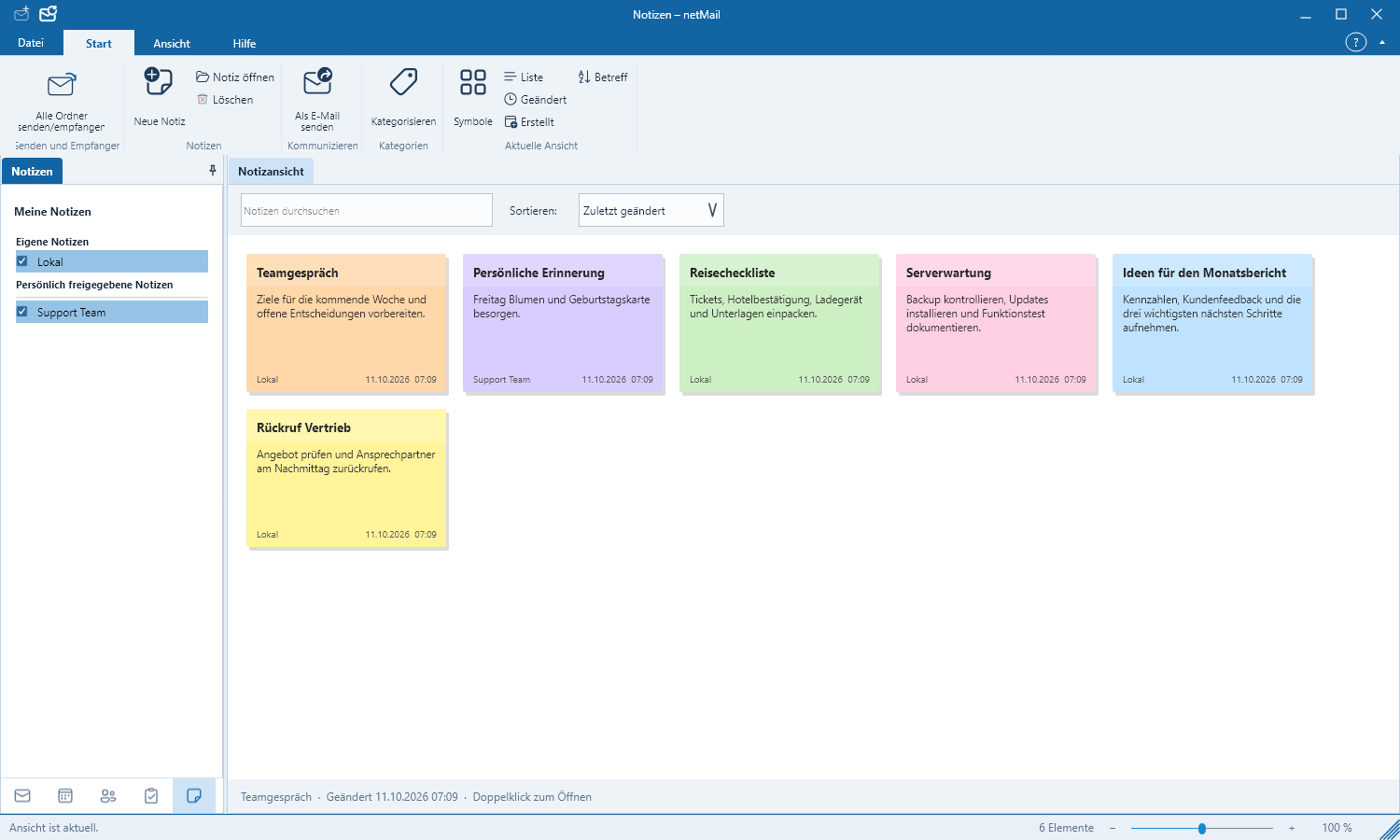
- Switch to the bottom-left Notes.
- Click New Note.
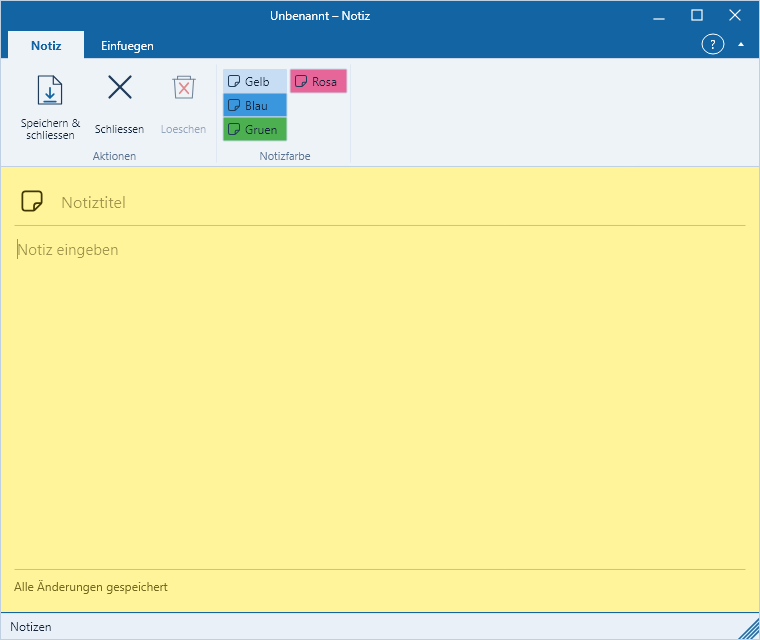
- Enter a clear title and the desired text.
- Select a category if needed and save.
Organize notes
Use distinct titles and a few clear categories. The search finds text from both title and content. The notes area has its own bottom boundary; the navigation controls on the left remain separate from it.
Shared notes
Exchange can expose other users‘ note folders. netMail displays only resources for which your account has permission. With read-only permissions the content remains non-editable. Changes to your own notes are synchronized to the server in the background.