Reading emails
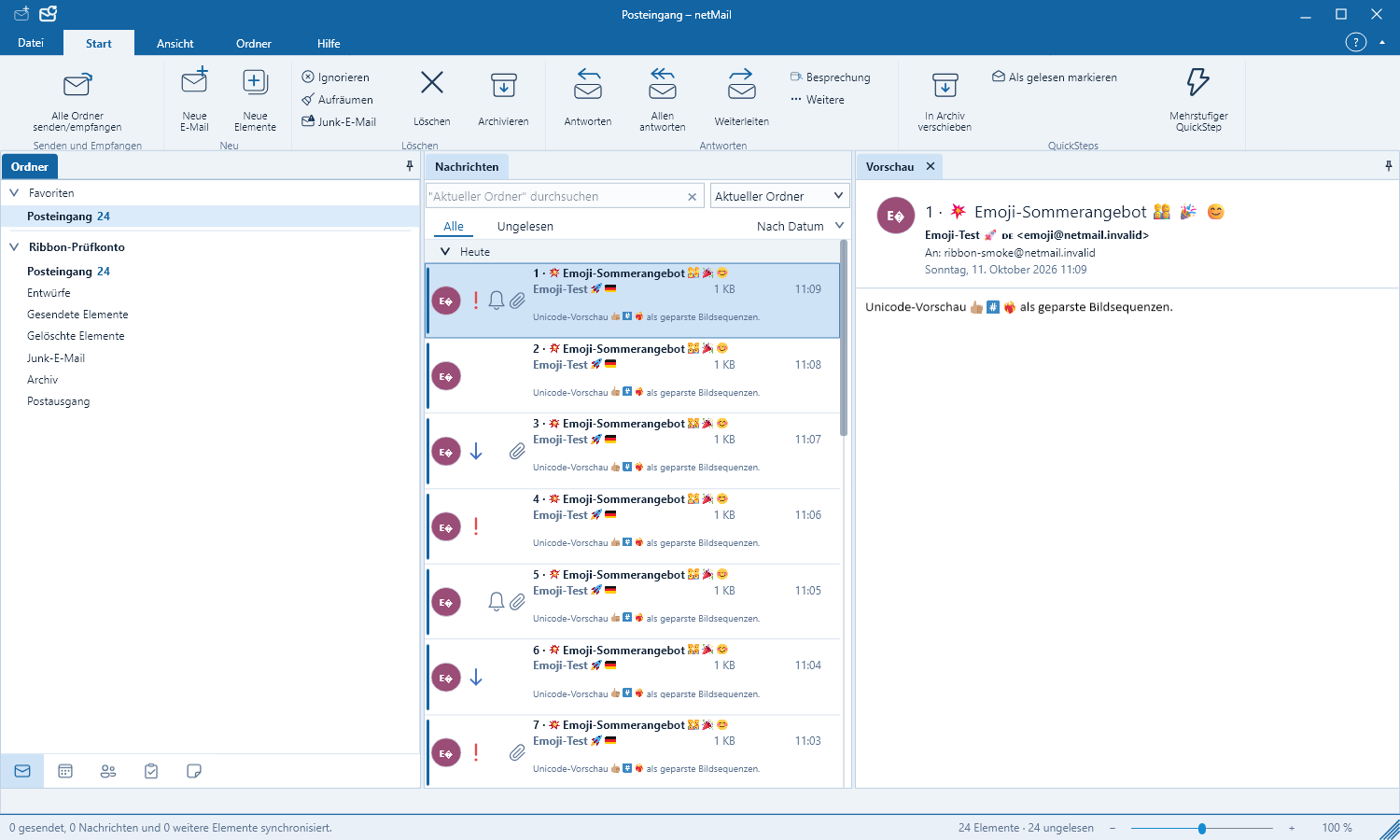
Folders, the message list and the reading pane are arranged side by side for clarity and can be adjusted.
Opening a message
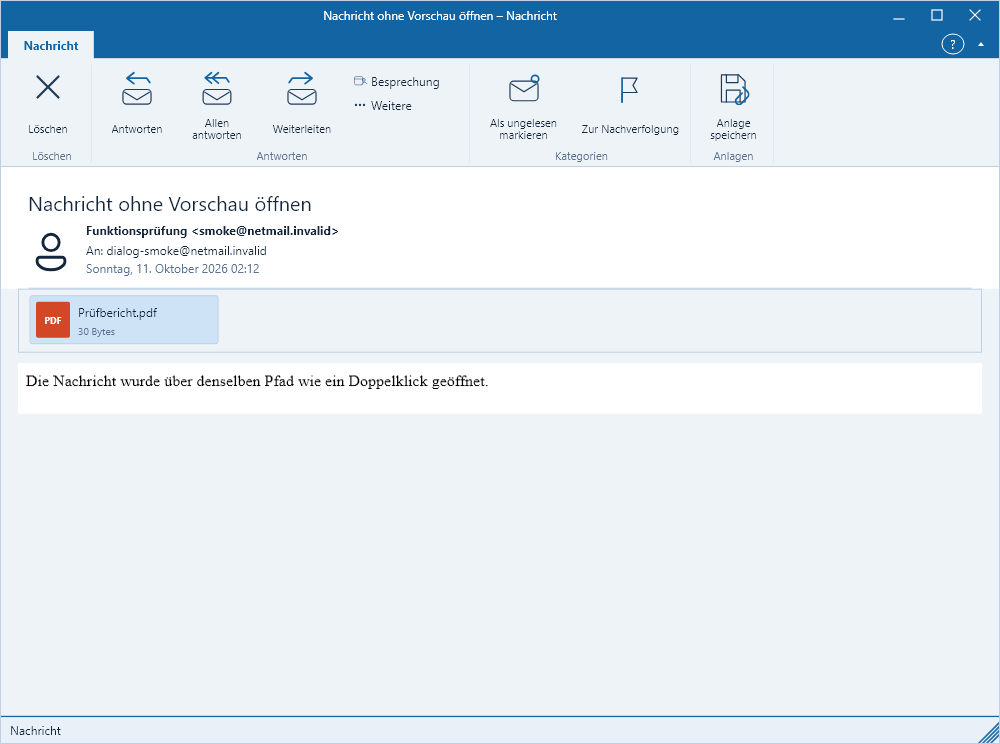
Select an account or folder on the left. Messages appear in the center and the selected email is shown on the right. A double-click opens it in a separate window. The divider lines between the panes can be dragged; netMail remembers the widths.
External images
netMail does not load external images automatically. This prevents a sender from determining whether you have read the message simply by it being opened. Use Download images to fetch them for the current message. In the associated menu you can also trust a sender or their domain.
Attachments
Open an attachment only if you expect the sender and the content. Save important files to an appropriate location first. netMail shows the filename and type, but does not execute unknown files automatically.
Deleting and moving
When you delete a message it is removed from the list immediately. Moving it to the Trash is handled by netMail in the background. When dragging onto a folder, its subfolder area opens automatically after a short delay.