Contacts and Addresses
Contacts collect names, email addresses, phone numbers and other details in one place.
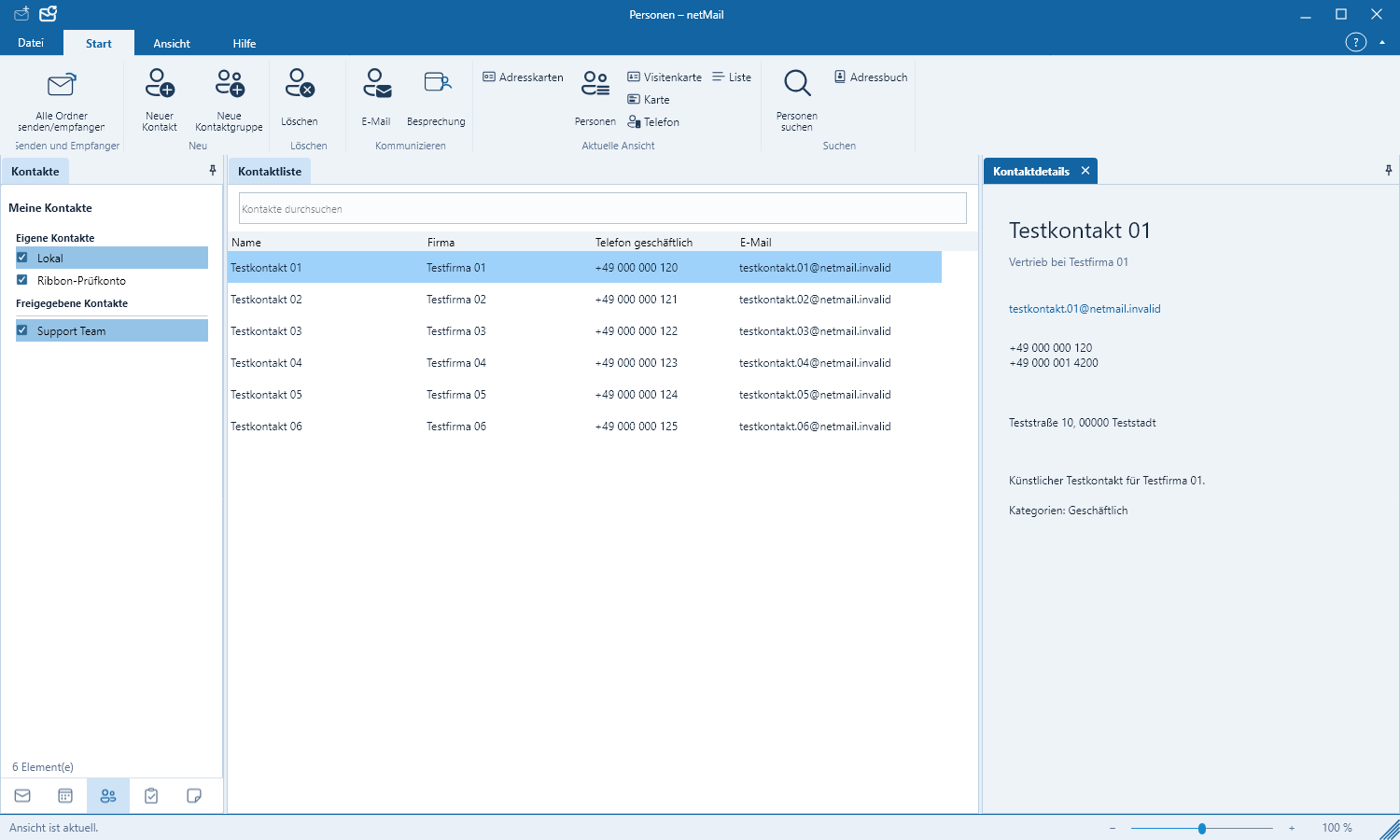
Find contacts
Switch to Contacts in the lower left. Use the search field for name, company or email address. Select an entry to view all stored details.
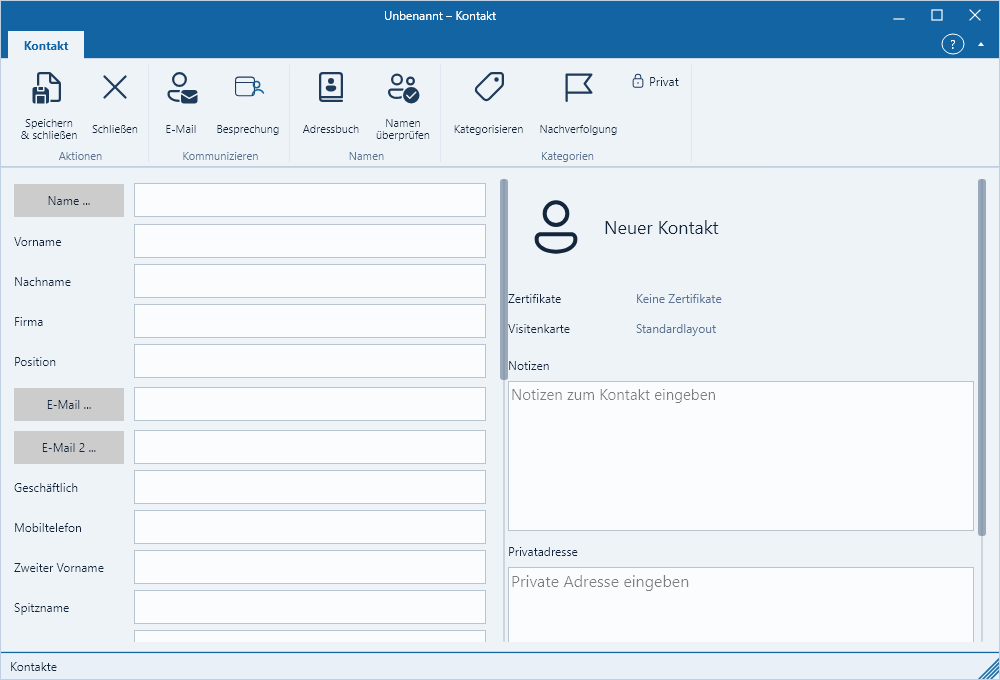
Create or edit a contact
- Click on New Contact.
- Enter at least a name or an email address.
- Optionally add company, phone numbers, address, notes and an image.
- Save the contact.
You can start a new message directly from an email address. With Microsoft 365 or Exchange, changes are synchronized with the selected account. Read-only shared contacts can be viewed but not modified.
Avoid duplicate entries
Check the search briefly before creating a contact. If the same person exists in multiple accounts, netMail shows the origin for each. Delete an entry only if it should also be removed on the server.