Route planning: allocate stops and verify routes on the map.
The route planner turns open stops into an executable day plan. Dispatch and map are side by side so sequence, utilization and routes do not have to be reconciled across separate lists.
In everyday operations
Open stops become a clear tour.
The dispatch view shows which stops are still open and how they are distributed across tours. The map view helps to immediately check routes and sequences.
- Keep open and already dispatched stops separate
- Distribute stops to tours in dispatch
- Review plan and geographic location in the same view
- Prepare sequence and day assignments clearly
- Link tours with associated customer and transaction data
Real program interface
How the module works in netERP.
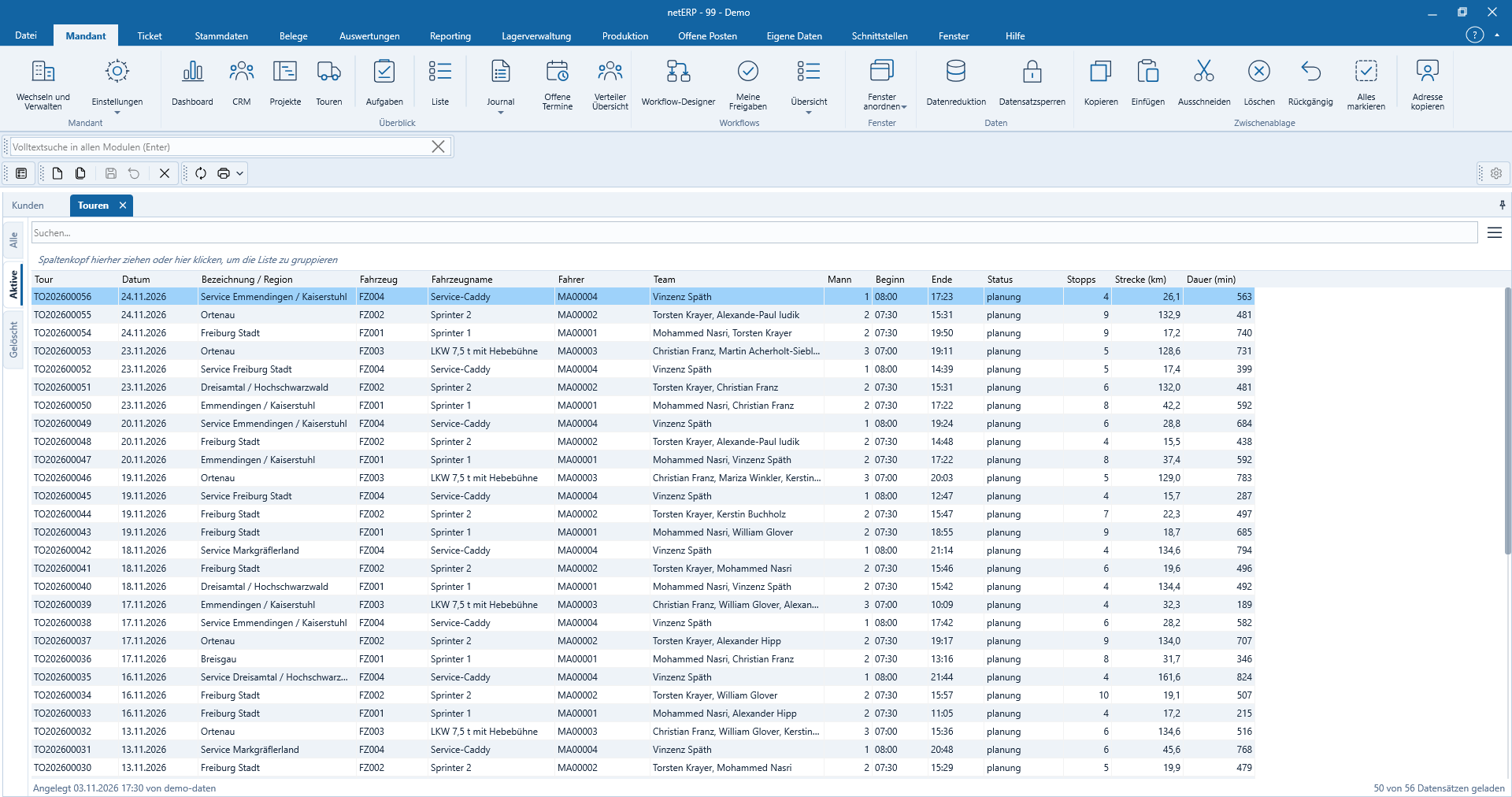
The screenshots show a fully synthetic test tenant. Click any image to open it at full size.


Typical process
From first steps to a traceable result.
- 1
Collect stops
Open destinations from the linked transactions are provided.
- 2
Schedule tour
Stops are assigned to a day and a tour.
- 3
Review route
Map and dispatch together show whether the plan is consistent.
Get to know netERP
Check the module in the context of your processes.
The public beta is free. For access to the beta server and questions about the appropriate module structure you can reach us directly.